

How to Use AI Image Tools for YouTube Thumbnails Guide for Beginners

In today’s YouTube ecosystem, thumbnails are no longer just small preview images—they are the most powerful marketing asset for any video. A strong thumbnail can increase click-through rate (CTR) dramatically, sometimes even more than the video title itself. With the rise of artificial intelligence, creators now have access to powerful AI image tools that can generate professional, eye-catching thumbnails in seconds without needing advanced design skills.
Whether you are a beginner YouTuber or a growing content creator, learning how to use AI image tools for YouTube thumbnails can completely change your channel’s performance. Instead of spending hours on Photoshop or hiring designers, you can now create viral-level thumbnails using simple prompts and smart design strategies.
This guide will walk you through everything step by step, including how AI tools work, how to write effective prompts, and how to design thumbnails that attract clicks and boost your channel growth.
Why YouTube Thumbnails Matter So Much
Before understanding AI tools, it is important to understand why thumbnails are so critical. YouTube is a highly competitive platform where millions of videos are uploaded every day. Users decide whether to click on a video within a fraction of a second, and the thumbnail is the first thing they notice.
A good thumbnail does three main things. First, it grabs attention instantly with bold visuals, contrast, and emotion. Second, it communicates the video topic clearly without confusion. Third, it creates curiosity so viewers feel compelled to click.
Even if your video is high quality, a weak thumbnail can reduce views drastically. On the other hand, a powerful thumbnail can bring organic traffic for months or even years.
How AI Image Tools Are Changing Thumbnail Design
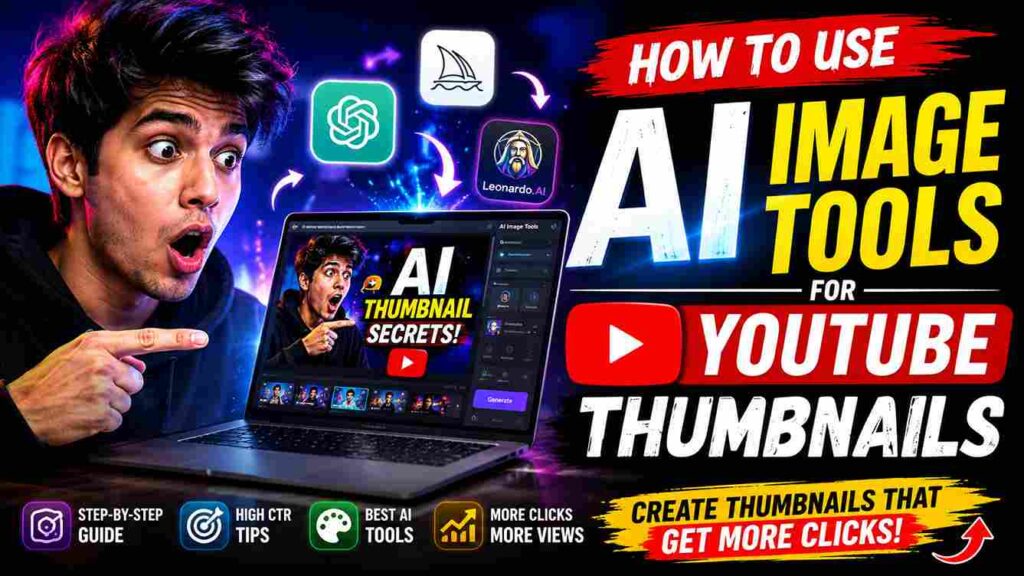
AI image generation tools have transformed the way creators design thumbnails. Tools like Midjourney, DALL·E, Leonardo AI, and Canva AI allow users to generate high-quality images using simple text descriptions.
Instead of manually editing images, you just type a prompt like “a shocked YouTuber holding laptop with glowing background, cinematic lighting, high contrast” and the AI generates multiple variations instantly.
These tools are especially powerful for YouTube creators because they allow rapid testing of ideas. You can generate 10–20 thumbnail concepts in minutes, choose the best one, and refine it further.
AI tools also help in maintaining consistency across your channel, creating branded visuals, and saving time and money.
Step-by-Step: How to Create YouTube Thumbnails Using AI Tools
Creating thumbnails using AI is simple, but the quality depends on how you use it. Let’s break it down in a practical way.
The first step is choosing the right AI tool. If you want highly realistic and cinematic thumbnails, Midjourney or Leonardo AI works best. If you want fast and easy design integration, Canva AI is ideal. DALL·E is also useful for creative and concept-based images.
Once you select the tool, the next step is writing a strong prompt. This is the most important part because AI only understands what you describe. A weak prompt produces average results, while a strong prompt creates viral-quality visuals.
A good prompt usually includes subject, emotion, style, lighting, background, and composition. For example, instead of writing “man with laptop,” you should write “a young YouTuber looking shocked at glowing laptop screen, cinematic lighting, dark background, high contrast, ultra realistic, 4K detail.”
After generating the image, you can download multiple versions and choose the best one. Most creators make the mistake of using the first output, but it is always better to compare several options.
Finally, you can enhance your thumbnail using editing tools like Canva or Photoshop. Add bold text, arrows, circles, or branding elements to make it more clickable.
How to Write Perfect AI Prompts for Thumbnails
Prompt writing is the core skill for creating viral thumbnails with AI. The better your prompt, the better your result.
A strong thumbnail prompt usually follows a structure. You start with the subject, then add emotion, then describe the environment, lighting, and style. For example, “a tech creator holding smartphone with excited expression, neon cyber background, dramatic lighting, cinematic style, ultra detailed, sharp focus.”
Emotion is extremely important because YouTube thumbnails perform better when they show reactions like surprise, shock, excitement, or curiosity. People are naturally drawn to human emotions.
Another important factor is contrast. High contrast between subject and background makes thumbnails more visible on mobile devices, where most YouTube views happen.
You should also mention style keywords like “cinematic,” “ultra realistic,” “4K,” or “professional photography” to improve output quality.
Design Tips to Increase Click-Through Rate (CTR)
Even with AI-generated images, design principles still matter. A thumbnail is not just about looking good; it is about getting clicks.
One important tip is to keep the subject clear and focused. Avoid cluttered visuals because they confuse viewers. A single strong subject always performs better than multiple elements.
Another key strategy is using facial expressions. Human faces with strong emotions tend to increase engagement significantly. If your channel is faceless, you can use symbolic visuals like glowing screens, money, charts, or action scenes.
Color psychology also plays a big role. Bright colors like yellow, red, and neon tones attract attention more than dull colors. However, consistency in color style helps build brand identity.
Text on thumbnails should be minimal but powerful. Instead of long sentences, use 2–4 words like “BIG MISTAKE,” “DON’T DO THIS,” or “AI TRICK.”
Best AI Tools for YouTube Thumbnail Creation
There are several AI tools available today, and each one has its strengths.
Midjourney is best for cinematic and realistic thumbnails. It produces highly detailed and artistic images that work well for storytelling channels.
DALL·E is great for conceptual and creative ideas. It is especially useful when you want unique visuals that do not exist in real life.
Canva AI is perfect for beginners because it combines AI generation with easy drag-and-drop editing tools. You can create complete thumbnails inside one platform.
Leonardo AI is another powerful option that is becoming popular for gaming and tech-related thumbnails because of its sharp detail and style flexibility.
Common Mistakes to Avoid
Many beginners make mistakes when using AI for thumbnails. One common mistake is using overly complex prompts, which confuses the AI. Simple and structured prompts always work better.
Another mistake is ignoring branding. If every thumbnail looks different, your channel will not have a recognizable identity. Try to maintain similar colors, fonts, and style.
Some creators also overuse effects and text, making thumbnails look messy. Clean and simple designs usually perform better.
Finally, many people forget to optimize for mobile. Since most YouTube users watch on phones, your thumbnail must be clear even at small size.
Future of AI in YouTube Thumbnail Design
AI is continuously evolving, and in the future, thumbnail creation will become even more automated. We may see tools that analyze your video content and automatically generate multiple high-CTR thumbnails based on viewer psychology.
AI will also help creators A/B test thumbnails in real time, showing which design performs better and automatically optimizing clicks.
This means creators who learn AI tools early will have a huge advantage in growing their YouTube channels.
Conclusion
Using AI image tools for YouTube thumbnails is one of the smartest strategies for modern content creators. It saves time, reduces cost, and improves creativity. More importantly, it helps increase CTR, which directly impacts views and channel growth.
By combining strong prompt writing, smart design principles, and the right AI tools, anyone can create professional-level thumbnails—even without design experience.
If you start practicing today, you will quickly notice the difference in your video
Leave a Reply