

Step-by-Step Midjourney Prompt Guide: How to Write Powerful Prompts for Stunning AI Art
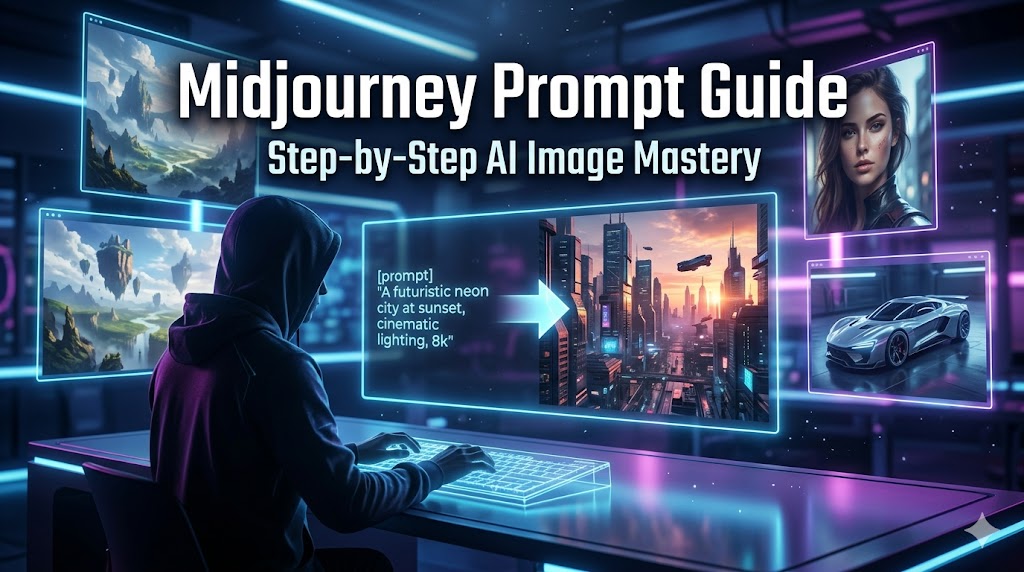
AI-generated visuals are no longer just a trend—they have become a powerful tool for creators, marketers, designers, and businesses. Among all AI image tools, Midjourney stands out as one of the most creative and widely used platforms for producing high-quality, artistic images from text prompts.
But there is one big truth most beginners realize quickly:
Midjourney is only as good as your prompt.
If your prompt is weak, the output will feel random or generic. If your prompt is structured well, the results can look like professional cinematic artwork, product photography, or even magazine-level visuals.
In this guide, you will learn step-by-step how to write Midjourney prompts that actually work, even if you are a complete beginner.
Understanding What a Midjourney Prompt Really Is
A Midjourney prompt is not just a sentence—it is a set of instructions that tells the AI what to create. Think of it like directing a photographer or a film crew. The more clearly you describe the subject, style, lighting, and mood, the better the result.
A strong prompt usually includes:
- Subject (what you want to see)
- Style (realistic, anime, cinematic, etc.)
- Environment (background or setting)
- Lighting (soft, dramatic, neon, natural)
- Camera details (angle, lens, depth of field)
- Mood (dark, happy, futuristic, emotional)
Instead of writing:
“A car on the road”
You should think like:
“A red sports car driving on a wet highway at night, cinematic lighting, reflections on asphalt, ultra realistic, 35mm photography, dramatic atmosphere”
That difference changes everything.
Step 1: Start with a Clear Subject
Every great prompt begins with a clear subject. If you don’t define what the AI should focus on, the result becomes unpredictable.
Ask yourself:
- What is the main object or character?
- Is it a person, product, place, or scene?
Example:
Instead of “a girl,” try:
“a young woman wearing a futuristic outfit”
Instead of “a house,” try:
“a modern glass house in the mountains”
Clarity is the foundation of good AI image generation.
Step 2: Add Style Direction
Once the subject is defined, the next step is style. This is where you decide how the image should look visually.
You can guide Midjourney using styles like:
- Photorealistic
- Cinematic
- 3D render
- Anime style
- Oil painting
- Cyberpunk aesthetic
- Minimalist design
For example:
“a futuristic city, cyberpunk style”
Or:
“a portrait of a businessman, cinematic photography style”
Style transforms basic ideas into artistic visuals.
Step 3: Define Environment and Background
The background is often what makes an image feel alive. A subject without environment feels empty.
Instead of stopping at the object, expand the scene:
Example:
“a futuristic car parked in a neon-lit street in Tokyo at night”
Or:
“a traditional wooden cabin in a snowy forest during sunset”
The environment tells a story and adds depth to your image.
Step 4: Control Lighting and Mood
Lighting is one of the most powerful elements in AI image generation. It changes emotion instantly.
You can use:
- Soft lighting (calm, natural)
- Dramatic lighting (strong contrast)
- Neon lighting (futuristic)
- Golden hour lighting (warm and cinematic)
- Low light / night mood (mysterious)
Example:
“a portrait of a woman, soft natural lighting, emotional mood”
Or:
“a warrior standing in battle, dramatic lighting, stormy atmosphere”
Lighting defines the emotional impact of your image.
Step 5: Add Camera and Lens Details (Pro Level Trick)
This is where your prompts become advanced and professional.
You can include:
- 35mm photography
- 85mm portrait lens
- Wide angle shot
- Depth of field
- Bokeh effect
- High resolution DSLR style
Example:
“a close-up portrait of a man, 85mm lens, shallow depth of field, cinematic lighting”
This makes AI images look like real professional photography instead of digital art.
Step 6: Use Quality and Detail Enhancers
Midjourney responds well to descriptive quality words. These help increase detail and sharpness.
Common enhancements:
- Ultra realistic
- Highly detailed
- 8K resolution
- Sharp focus
- Professional quality
- Hyper-detailed textures
Example:
“a futuristic city skyline, ultra detailed, 8K, sharp focus, cinematic style”
But avoid overloading too many keywords. Balance is key.
Step 7: Combine Everything into One Powerful Prompt
Now let’s bring everything together into a structured prompt formula:
Subject + Style + Environment + Lighting + Camera + Quality
Example:
“a young female warrior standing on a mountain cliff, cinematic fantasy style, glowing sword, stormy sky in the background, dramatic lighting, 35mm cinematic photography, ultra detailed, 8K resolution, epic atmosphere”
This is the type of prompt that generates professional-grade AI images.
Step 8: Experiment and Refine
There is no perfect prompt on the first try. Even experts refine their prompts multiple times.
Try:
- Changing lighting
- Adjusting style
- Simplifying or expanding descriptions
- Testing different camera angles
Midjourney is creative, but it responds differently to small changes. That’s why experimentation is part of the process.
Common Mistakes Beginners Should Avoid
Many beginners struggle because of a few simple mistakes:
- Writing very short prompts
- Using unclear descriptions
- Mixing too many conflicting styles
- Not specifying lighting or mood
- Copying random prompts without understanding structure
The solution is simple: be descriptive but organized.
Why Midjourney Is So Powerful
Tools like Midjourney are changing the creative industry because they allow anyone to turn imagination into visuals within seconds. Designers, marketers, bloggers, and content creators are now using it to generate:
- Social media posts
- Website visuals
- Product mockups
- Advertising creatives
- Concept art
With the right prompt skills, you can replace expensive design workflows and speed up your content creation dramatically.
Final Thoughts
Learning Midjourney prompts is not about memorizing formulas—it is about understanding how to communicate visually with AI.
Once you master:
- Subject clarity
- Style control
- Lighting direction
- Camera details
- Structured prompting
You will notice a massive improvement in your AI-generated images.
Start simple, keep improving, and treat each prompt like a creative experiment. Over time, you will naturally develop your own unique prompting style.
Leave a Reply