Stardust Effect CapCut Template
Right now on Instagram, videos with a disappearing particle effect are going viral, and this trend uses what’s called the Stardust Effect. The great news is that you can create these videos very easily using a CapCut template, and I’ve shared all the templates you need in this article. We’ll go over how to use them, what sizes are available, and how to make your own viral videos step by step.
What Is the Stardust Effect?
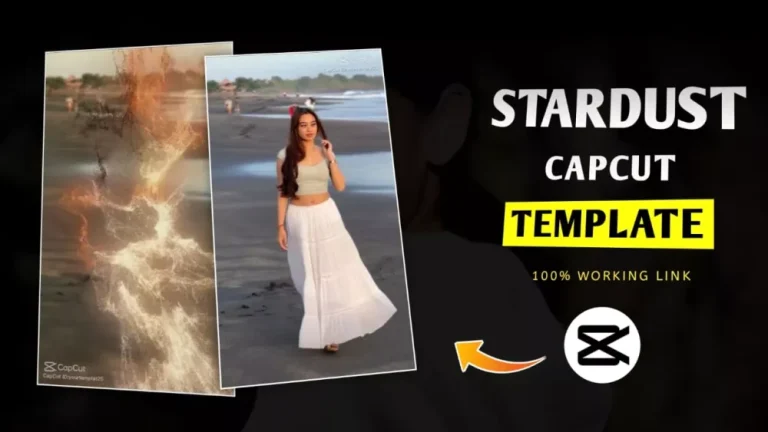
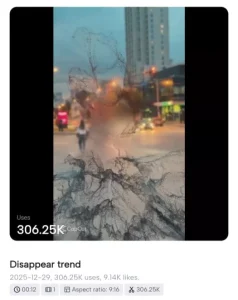
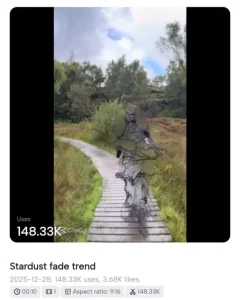
The Stardust Effect is a particle-based disappearing effect. When applied, it detects the subject in your video or photo and transforms it into small particles, similar to the disappearing effects seen in movies. The subject appears to vanish into thin air, while the area behind it gets slightly blurred for a dramatic look. To use it in CapCut:
- Open CapCut and add your clip.
- Go to the Effects option and search for “Stardust.”
- Select the effect, and it will be applied automatically.
This effect creates a magical disappearing look and adds a cinematic feel to your videos. You’ll truly understand its impact once you try it on your own clips.
Details of the Stardust Effect CapCut Template
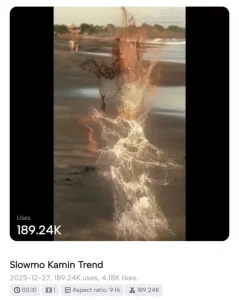
Let’s break down how your video will look when using this template, because understanding the process is key. Initially, your video appears completely normal, which sets viewers’ expectations. But as soon as the Stardust Effect kicks in, your subject starts to break into particles and disappear, creating a dramatic and eye-catching visual. This transformation is what makes the video so appealing — it grabs attention and encourages viewers to engage, often giving higher ratings or likes.
The template is available in different versions, so you can choose the one you like best. Once you select a template, just add your video and upload it with a suitable song to match the effect. This combination of the particle effect and music makes your video look professional and viral-ready. I’ll also explain step by step how to create your video using this template, so even beginners can follow along easily.
How to Use the Stardust Effect CapCut Template
Using the Stardust Effect CapCut Template is very simple. First, choose the template you like from the links provided in this article and click “Check Template”. This will open the template directly in CapCut. Next, select the video you want to use, then click Next. The app will create a final preview of your video with the Stardust effect applied. Once you’re happy with the result, simply export your video, and your editing is complete.
Overall
This is how you can easily create a disappearing Stardust video. One important tip: when uploading to Instagram, make sure to choose a trending song that matches your video. When the music and visuals sync perfectly, the video becomes much more engaging and increases your chances of going viral. Matching your song and effects is key to creating highly shareable content.
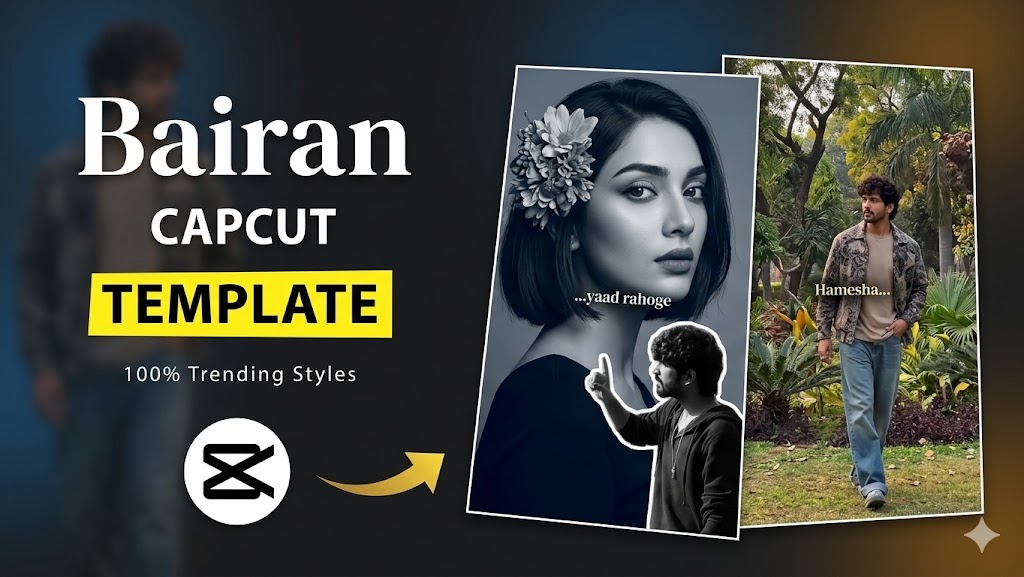
- Bairan Capcut Template Link 2026 (100% Working)
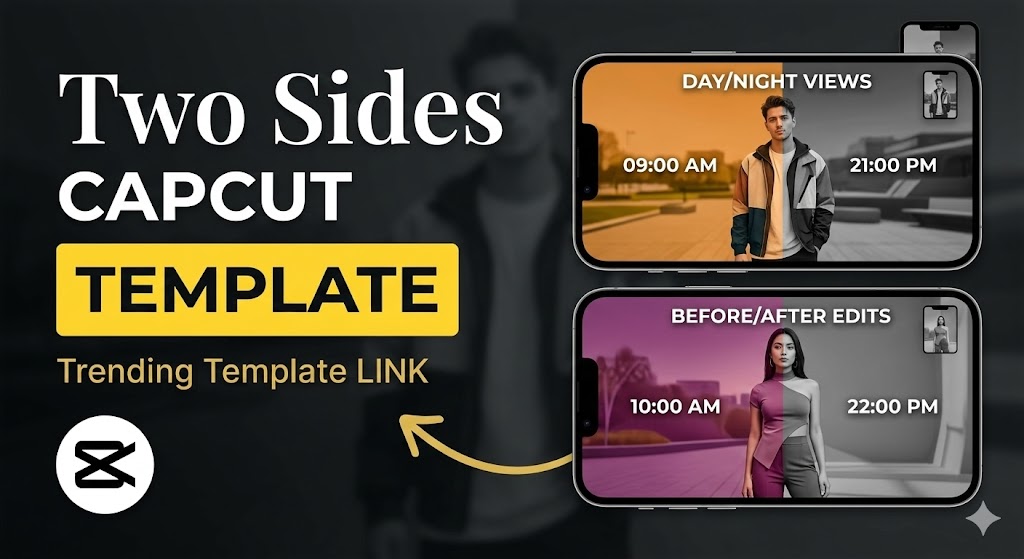
- Two Sides Capcut Template Link 2026 (100% Working)
- Halka Halka Capcut Template Link 2026 (100% Working)
- Happy Holi CapCut Template 2026 (100% Working Link)
- First Kiss Song Reels Capcut Template | X Remix Trend Capcut Template
- Kya Baat Hai CapCut Template 2026 | X Remix Trend Template
- Just a Boy God in Car Capcut Template | Bhgwan Ji in Car Template
- Maduro Trend Capcut Template 2026 | Who Protect You Template
- AA 23 Theme CapCut Template 2026 | Character Intro Capcut Template
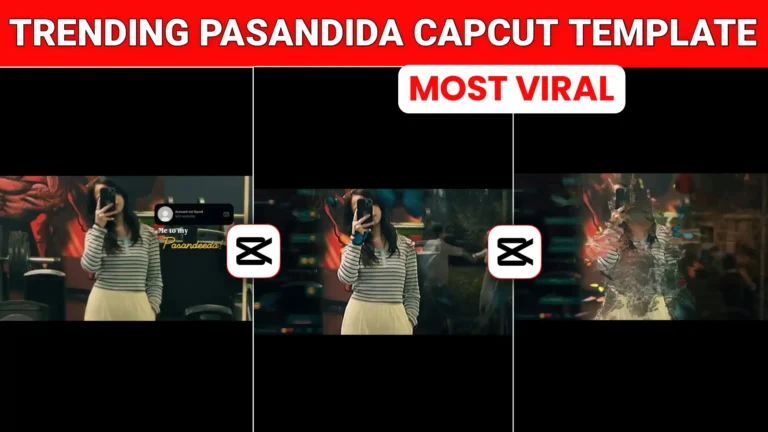
- Me To My Pasandida Reel Capcut Template | Halka Halka Song Template