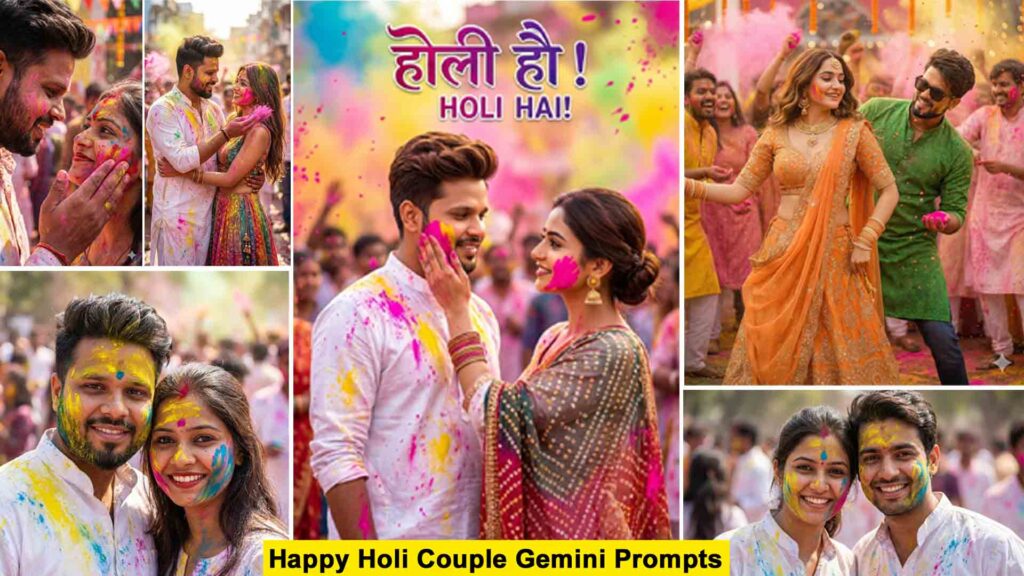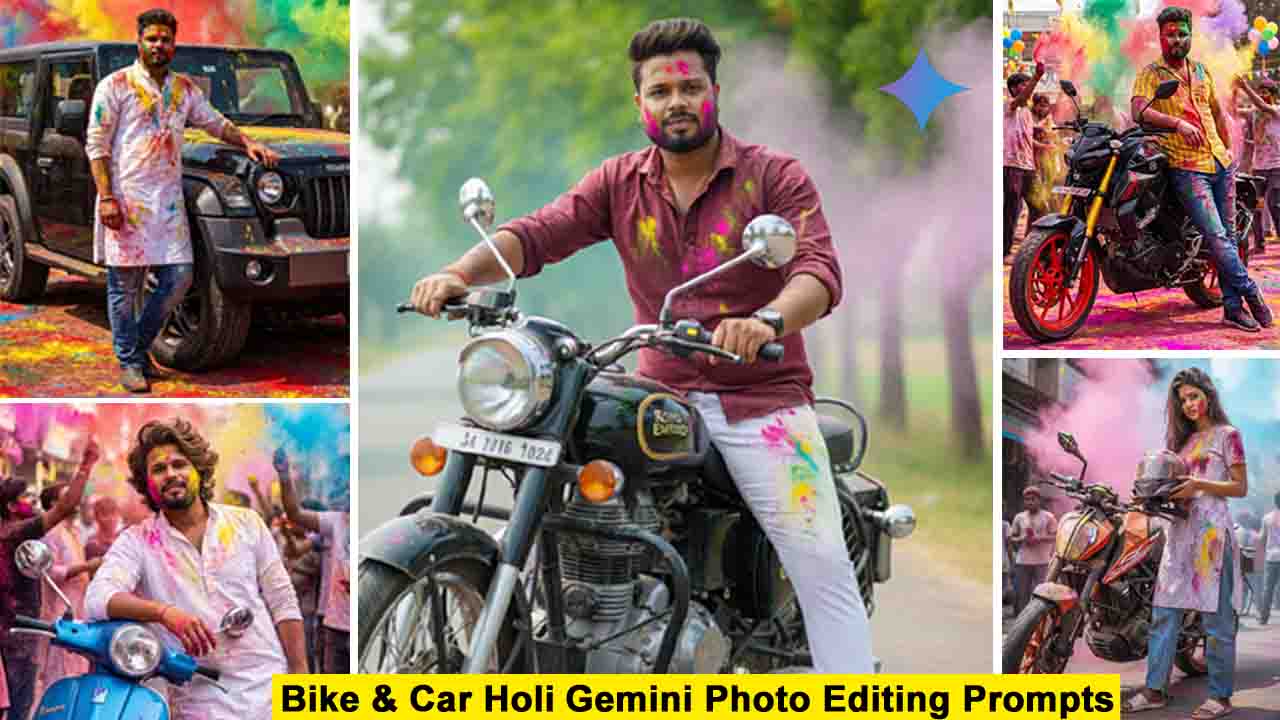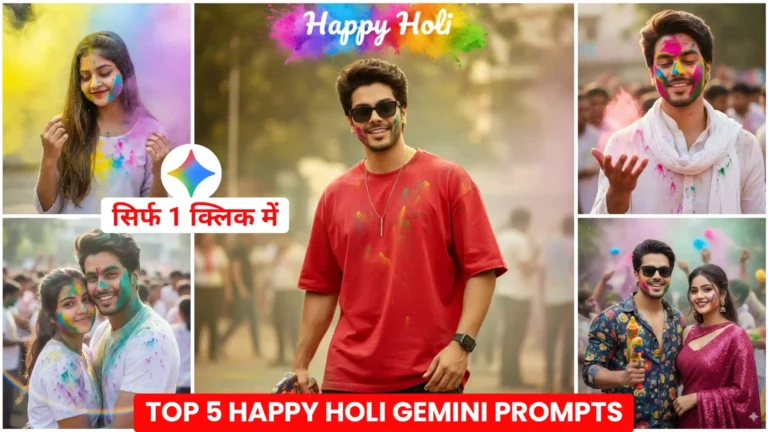
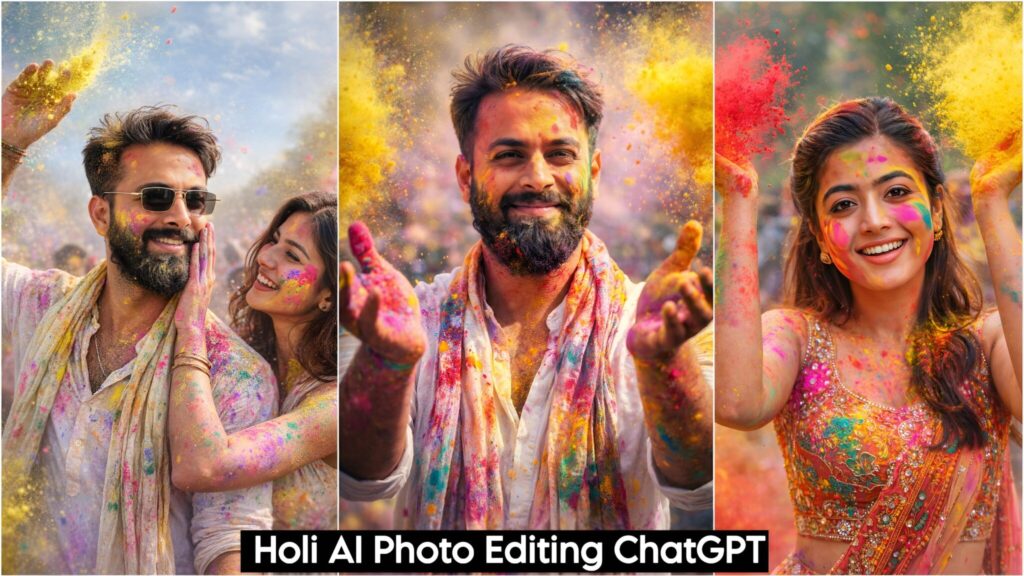
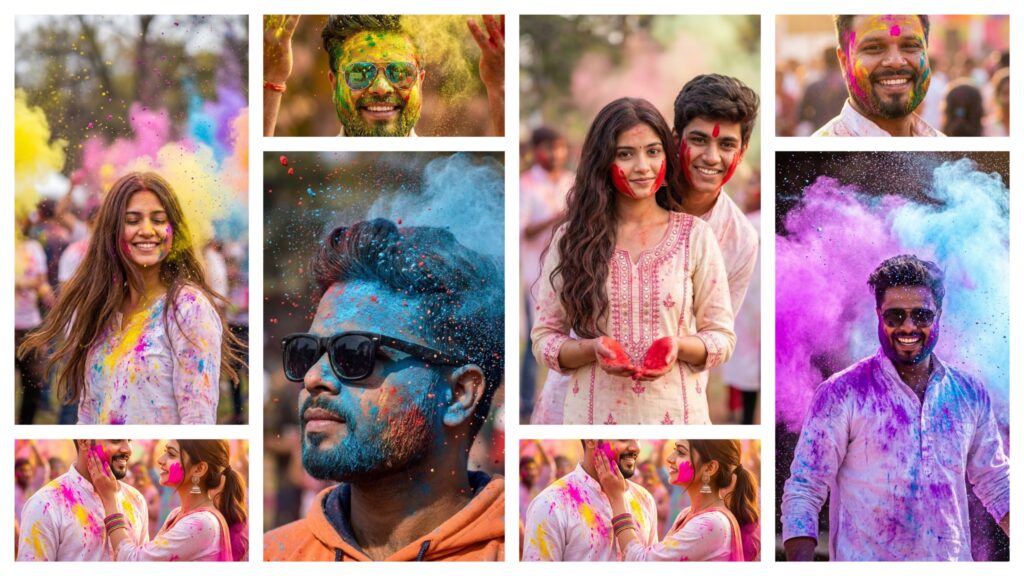
In today’s article, I’m sharing Happy Holi AI Photo Editing Prompts, which let you easily create your own vibrant Happy Holi photos and share them on social media. With Holi just around the corner, people are already making these colorful photos and videos for platforms like Facebook and Instagram, and the results look incredibly realistic. You might remember that previously, people had to edit such photos manually—using PNGs and apps like Picsart or Snapseed—which took a lot of time and often didn’t look perfect. But now, thanks to AI, you can generate these photos with just one click. The lighting, colors, and overall effects are perfectly matched, making the images look even better than manually edited ones. Unlike traditional editing, where photos and PNGs sometimes don’t align properly, AI ensures everything fits seamlessly, giving you a flawless Holi photo every time.
Happy Holi Ai Photo Editing Prompts
We all know how enthusiastically we celebrate Holi, the festival of colors. Everyone loves playing with colors, taking photos and videos, and sharing them on social media. In the past, people used to make Holi videos, but now the trend has shifted toward simple photos because they look more natural and realistic. That’s why in today’s article, I’m sharing some photo editing prompts that let you create your own Holi photos that look absolutely real. I’ll also provide different types of prompts—for example, if you’re a couple, you can create a photo with your wife or girlfriend, and the faces will match perfectly. You can choose any style you like, and the result will always look natural. To make these photos, we’ll use Google Gemini, which generates images in a completely natural way, giving you flawless, realistic Holi photos every time.
Holi Couple Photo Prompt
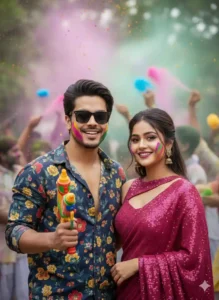
Confident man in a dark blue floral shirt, open collar, trendy hairstyle, black sunglasses, holding a colorful pichkari. Gulal softly smeared on his cheeks. Beside him, a glamorous woman in a deep pink sequin saree with a modern bold blouse, elegant yet festive look. Natural curves, glossy fabric shine, glowing skin, soft glam makeup with defined eyes and lips. Gulal colors on her cheeks, smiling confidently. Festive Holi crowd playing with colors in the background, slightly visible but artistically blurred. Cinematic depth of field, vibrant color splashes in air, ultra-realistic skin texture, detailed fabric, professional photography, 4K photorealistic, joyful Holi atmosphere. Keep face exact same as reference image.
Happy Holi Photo Prompts
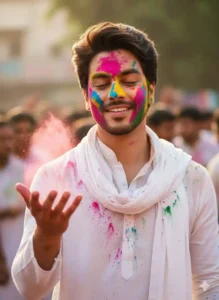
Ultra-realistic cinematic Holi portrait. Young man in white kurta and dupatta, face naturally covered in vibrant gulal. Same reference face. Stylish messy hair, light beard. Eyes gently closed, genuinely feeling the Holi moment — soft joyful smile, relaxed facial muscles, slight upward curve of lips, natural happiness expression. One hand raised forward as colorful powder bursts around him, dynamic particles frozen mid-air. Warm golden sunlight hitting his face, authentic skin texture with visible pores, natural color stains, shallow depth of field, blurred festive crowd in background, high contrast, 8K photorealistic, emotional and immersive festival vibe. Keep face exact same as reference image.
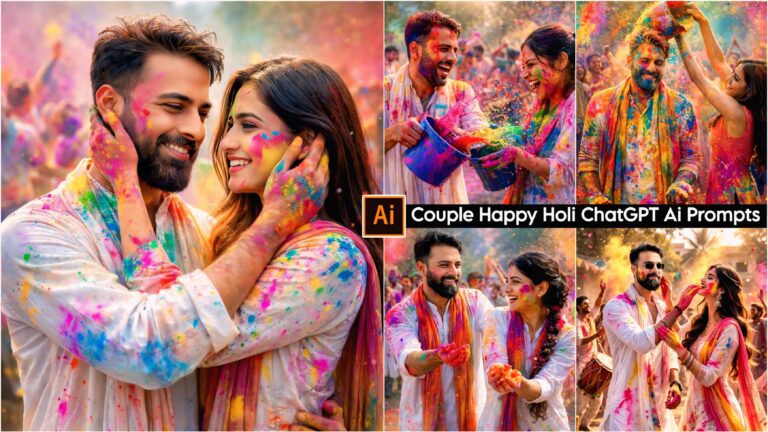
Lovely Couple Holi Prompt
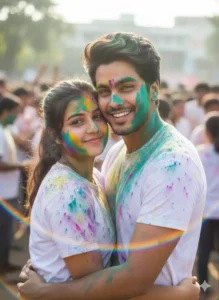
Joyful young couple embracing, faces and hair covered in vibrant teal, yellow, purple and pink gulal. White t-shirts stained with chaotic rainbow colors. Man smiling warmly, head gently resting against hers, hair dusted with green powder. Woman looking at camera with playful, happy expression, natural glow. Bright natural daylight, energetic outdoor Holi crowd softly blurred in background. Dreamy sunlit atmosphere, subtle rainbow lens flare in foreground, shallow depth of field, detailed skin texture, authentic color stains, high-resolution photorealistic festival vibe. Keep face exact same as reference image.
Boy Happy Holi Photo Prompt
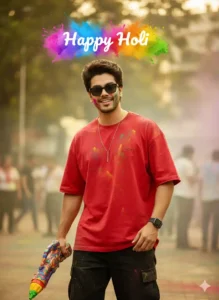
16K ultra-realistic cinematic Holi portrait. Stylish young man with messy volume hair, confident attitude pose, same uploaded face (accurate facial details). Wearing oversized red shirt with logo, black baggy cargo pants, vertical bar pendant, black-and-white smartwatch, black sunglasses. Holding a colorful Holi pichkari with subtle gulal stains on hands and clothes. Natural smile, expressive face. Lush urban outdoor setting with soft blurred background, vibrant Holi atmosphere, cinematic lighting, DSLR-quality sharpness, detailed skin texture, realistic fabric folds. “Happy Holi” text above, festive color splash effect, high contrast, professional photography look.
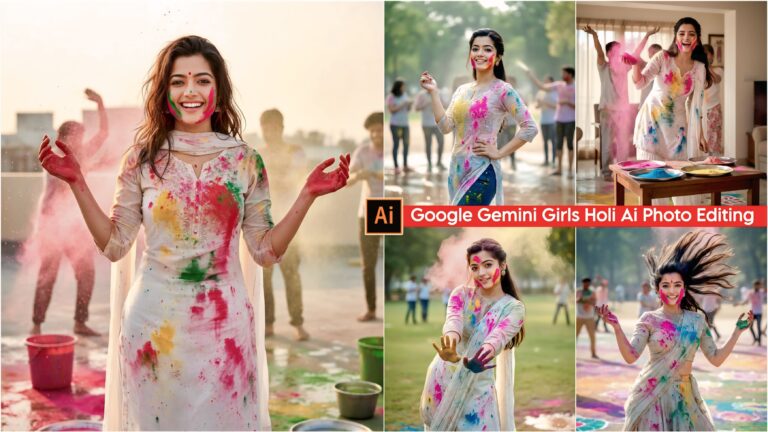
Girl Happy Holi Prompt
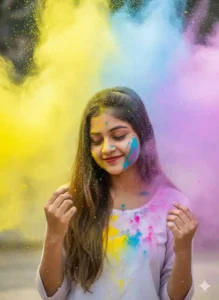
Beautiful young woman with long straight brown hair, wearing a simple white full-sleeve top stained with soft Holi colors. Eyes gently closed, natural joyful smile with red lipstick, head slightly tilted down. One hand raised near her face, other hand softly touching her hair. Massive burst of colorful Holi powder (yellow, pink, blue, purple) exploding around her head and shoulders, thick color clouds surrounding her from top and sides. Bright natural daylight, soft diffused lighting, vibrant pigments mid-air, detailed skin texture with visible pores, realistic color stains on face and clothes. Dreamy pastel background fully filled with floating powder, shallow depth of field, high contrast, DSLR-quality photography, ultra-detailed, authentic festive emotion.
How is this better than manual editing?
Friends, you must remember that before tools like Google Gemini and ChatGPT existed, people had to create photos manually. With Holi approaching, earlier people used apps like Picsart and Snapseed, where they would take PNGs from different sources and add them to their photos. Often, it was difficult to find the right PNGs that matched their photos, so the final image didn’t look very realistic. On top of that, the whole process was time-consuming—finding the right elements, editing them properly, and matching everything perfectly was a big challenge. But now, thanks to AI tools like Google Gemini and ChatGPT, creating such photos has become extremely easy. AI-generated photos look much more realistic, with perfect lighting, colors, and alignment, something that manual editing often can’t achieve no matter how skilled you are.
What to do to make a happy holi photo?
Here’s how you can create a Happy Holi photo easily, even if you have no editing experience. If you’ve never used prompts before, don’t worry—this method is simple and beginner-friendly. First, take a clear photo of yourself where your face is visible. Then, click the “Use this template” button above. This will open the Google Gemini website. On the site, you’ll see a plus (+) icon at the bottom—click it and upload the photo you just took. Next, copy any prompt from our website and paste it into the prompt box. After that, click send and wait a few seconds. Your Happy Holi photo will be generated automatically. You can click on the photo to view it, and by tapping the save icon, you can save it directly to your phone’s gallery.
Conclusion
By using the Happy Holi AI Photo Editing Prompts shared above, you can easily create your own vibrant Holi photos. Friends, we’ve also provided different types of photo editing prompts on this website, which you can use to make a variety of creative photos. Whenever a new trending photo editing trend appears on Instagram, we’re among the first to share prompts here so you can create similar content. If you check our website regularly, you can always access the latest trending prompts. By following these trends and creating trending photos and videos, your content is more likely to go viral because people love engaging with what’s currently popular, giving you maximum reach and visibility.
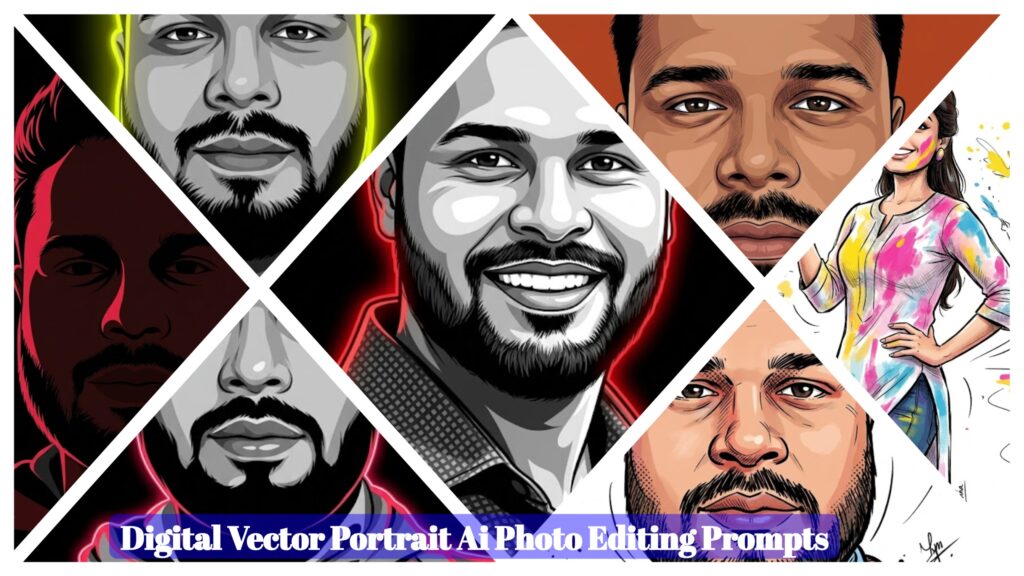
- Digital Vector Portrait AI Photo Editing Prompts – ChatGPT Vector Prompts 2026
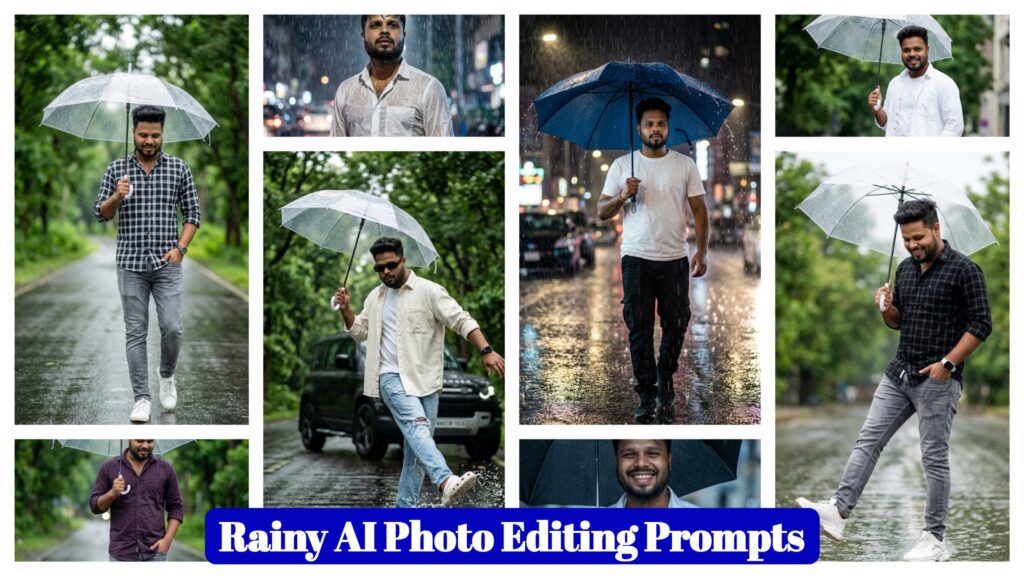
- Google Gemini Rainy AI Photo Editing Prompts 2026 – Rainy Photo Editing Poses
- Google Gemini Cycle AI Photo Editing Prompts 2026 – Cycle Photo Editing Poses
- Top Boys Ai Photo Editing Prompts Google Gemini/ChatGPT 2026
- Free Fire Profile Ai Photo Editing Prompts – Google Gemini Prompts 2026
- Google Gemini Music Lover Ai Photo Editing Prompts | Gemini Prompts 2026
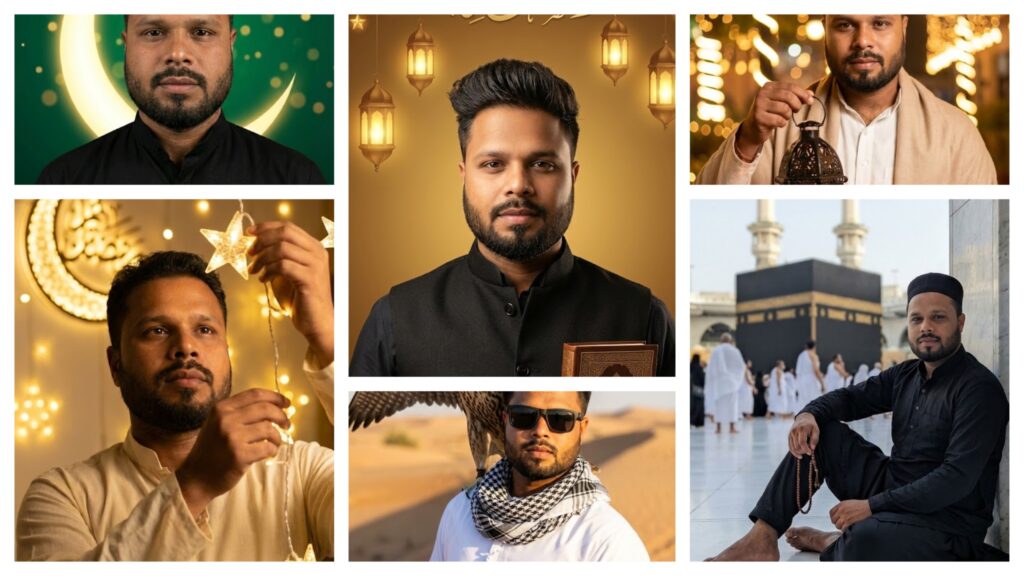
- Ramadan Mubarak AI Photo Editing Prompts for Gemini (2026)
- Google Gemini Happy Holi Girls Ai Photo Editing Prompts 2026
- Happy Holi Couple AI Photo Editing ,Top 10 ChatGPT Ai Prompts
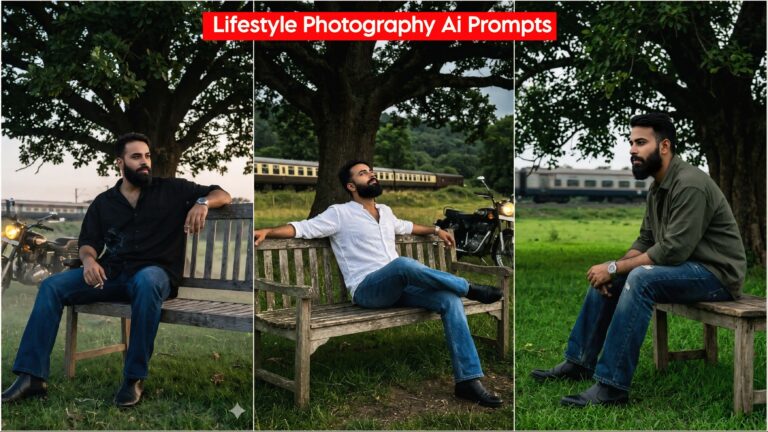
- Lifestyle Photography Ai Photo Editing Prompts 2026 , Google Gemini AI Prompts
- Holi AI Photo Editing ChatGPT, Top 10 Holi Ai Prompts
- Gemini My Male & Girl Version Ai Photo Prompts 2026
- Kareena Kapoor Lehenga Photo Editing Prompts 2026 | Chatgpt Dream Lehenga Prompts
- Trending Hanuman Ji Gym AI Photo Editing Prompts 2026
- Happy Holi Ai Photo Generator – Google Gemini
- Happy Holi Couple Ai Photo Editing Prompts 2026 | Gemini Prompts