Free Fire Profile AI Photo Editing Prompts
Free Fire Profile AI Photo Editing is becoming very popular among gaming fans. Many players like to showcase their gaming achievements, ranks, and favorite characters on social media. You might have noticed that gamers often share stylish posts that include their profile screenshots, ratings, and character highlights. Since Garena Free Fire has a huge fan base—especially among young players—many people love creating creative profile-style images that show their gaming identity. In this article, you’ll learn how to create a similar AI-generated gaming profile photo that highlights your Free Fire profile in a unique and stylish way.
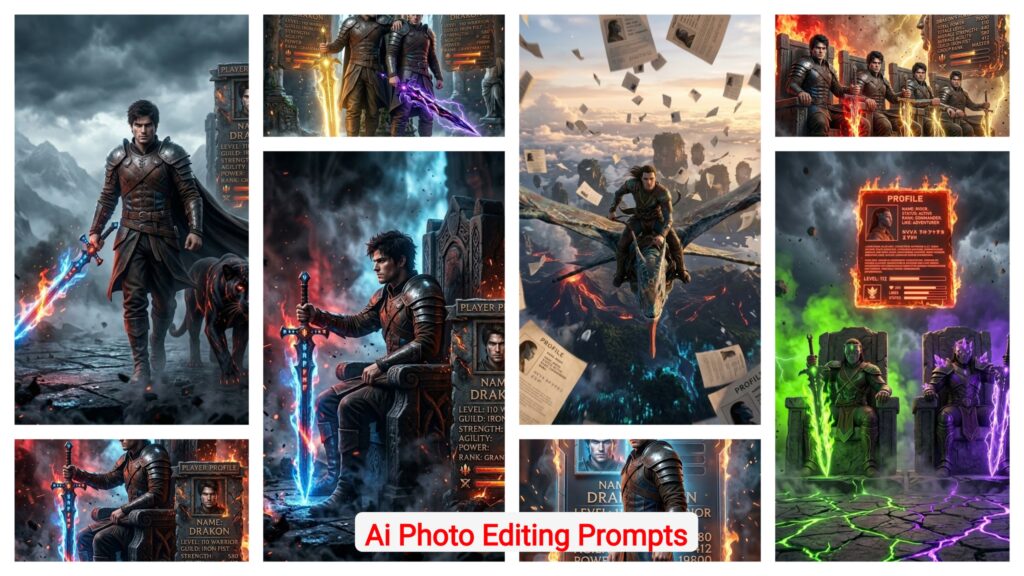
Details Of Free Fire Profile AI Photo Editing Prompts
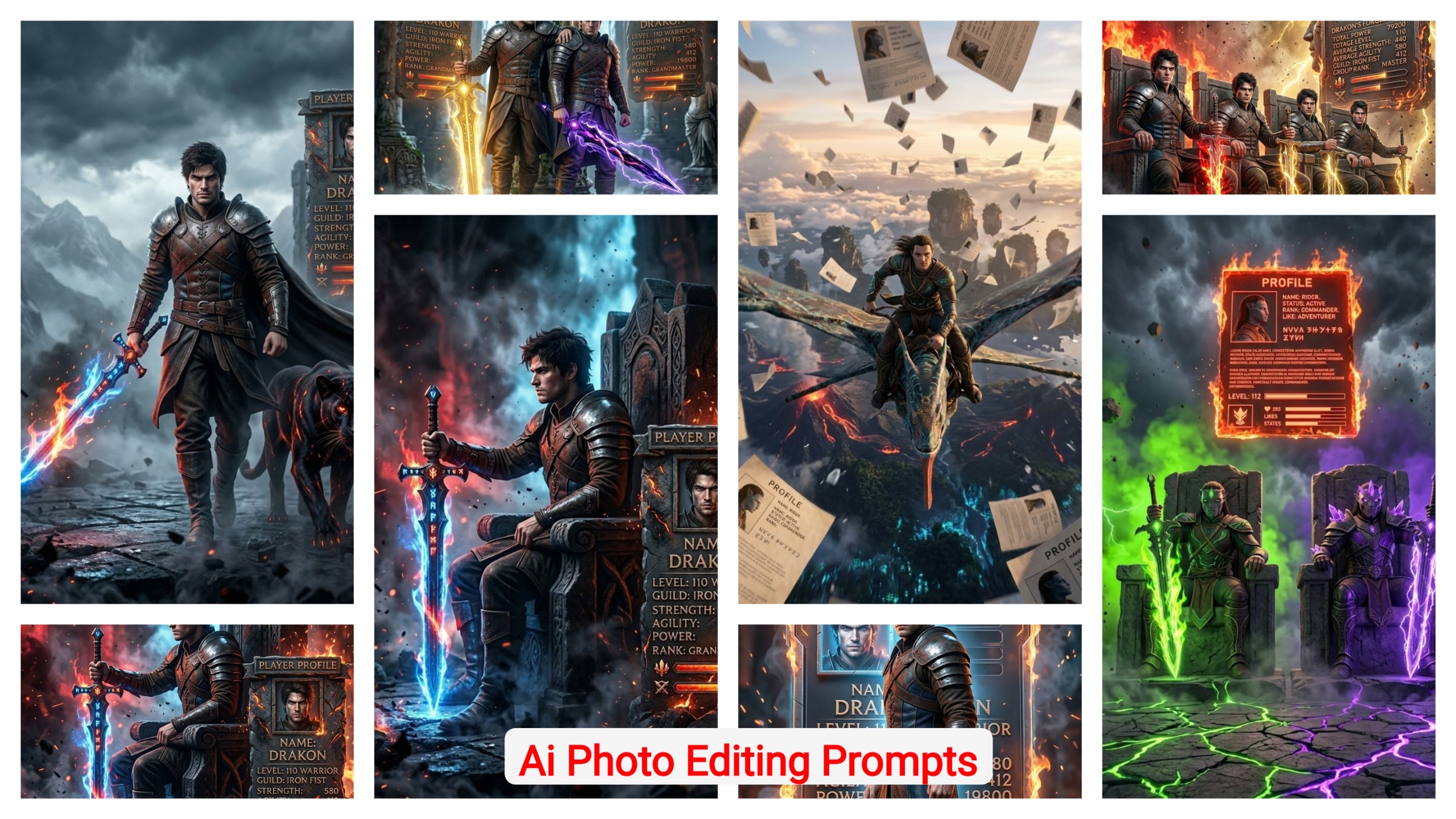
Let’s understand how this type of editing works. In the examples provided, the design usually shows two main elements. On one side, you’ll see your favorite Free Fire character, which you can generate by simply adding the character’s name in the prompt. On the other side, your Free Fire profile or ID screenshot appears, often presented in a heroic or king-style gaming layout. You just need to upload a screenshot of your profile, and the AI will place it automatically into the design. The final result will look like a professional gaming poster, with HD quality, gaming effects, and a stylish layout that is perfect for sharing on social media.
Methods of AI Photo Editing for Free Fire Profiles
Creating a Free Fire-style AI profile image is actually very simple if you follow the right steps. Here’s how you can do it:
- Copy the Prompt: First, choose the style of photo you want to create from the prompts provided here. Copy the prompt carefully, as it contains all the instructions needed to generate the effect.
- Prepare Your Profile Screenshot: Take a clear screenshot of your Free Fire profile. This acts as a reference image, helping the AI understand what elements need to appear in the final photo.
- Add Your Favorite Character: Decide which Free Fire character you want to include in the image. Simply type the character’s name in the prompt.
- Generate the Image in Google Gemini: Go to Google Gemini, paste the copied prompt, and upload your profile screenshot. Click Generate, and within a few seconds, the AI will create a professional Free Fire-style post featuring your profile and the chosen character.
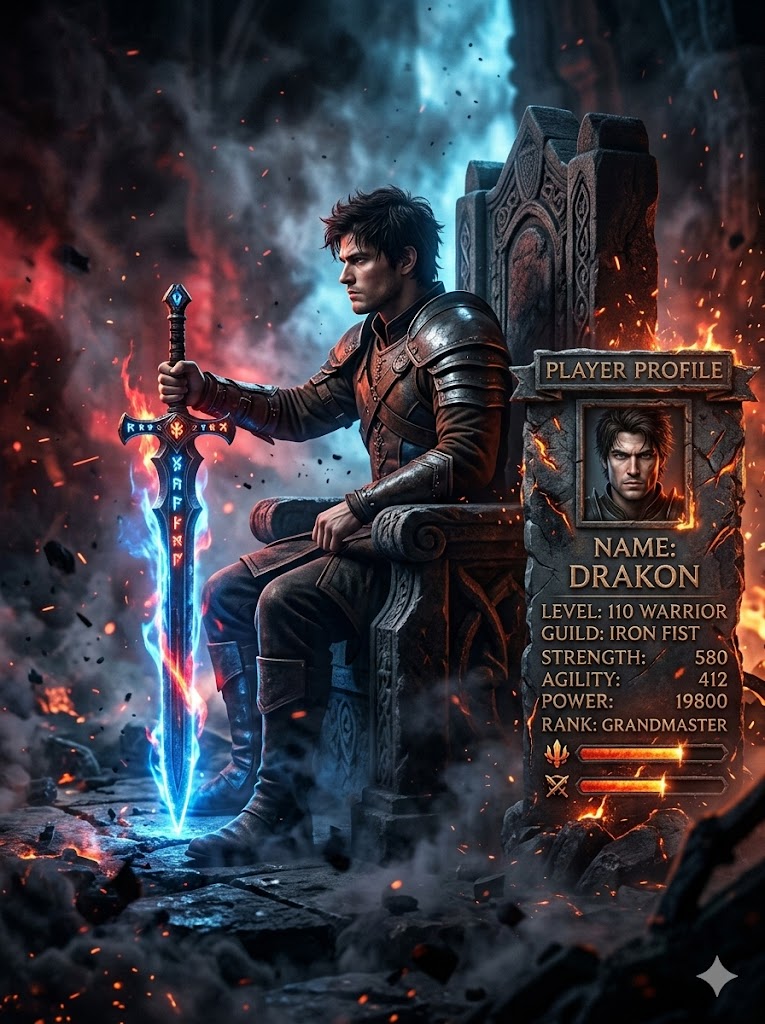
Ultra-realistic cinematic portrait of a gaming character side view side look, (same face as reference) sitting firmly on a grand, stone chair, one hand resting on the hilt of a glowing sword placed vertically with an camera angles. His posture back straight, viewer. The background has a mix of red and electric blue lighting, with floating dust and motion suggesting chaos. Style: cinematic power shot, 8K detail, dark contrast, dramatic Tools and also smoke in the ground dark smoke and lighting. His dress unchanged from reference image and beside the character add Gaming profile with 3d style and fire on the profile and scratch and like stone type of profile and all visible with high quality, in the ratio 3.4
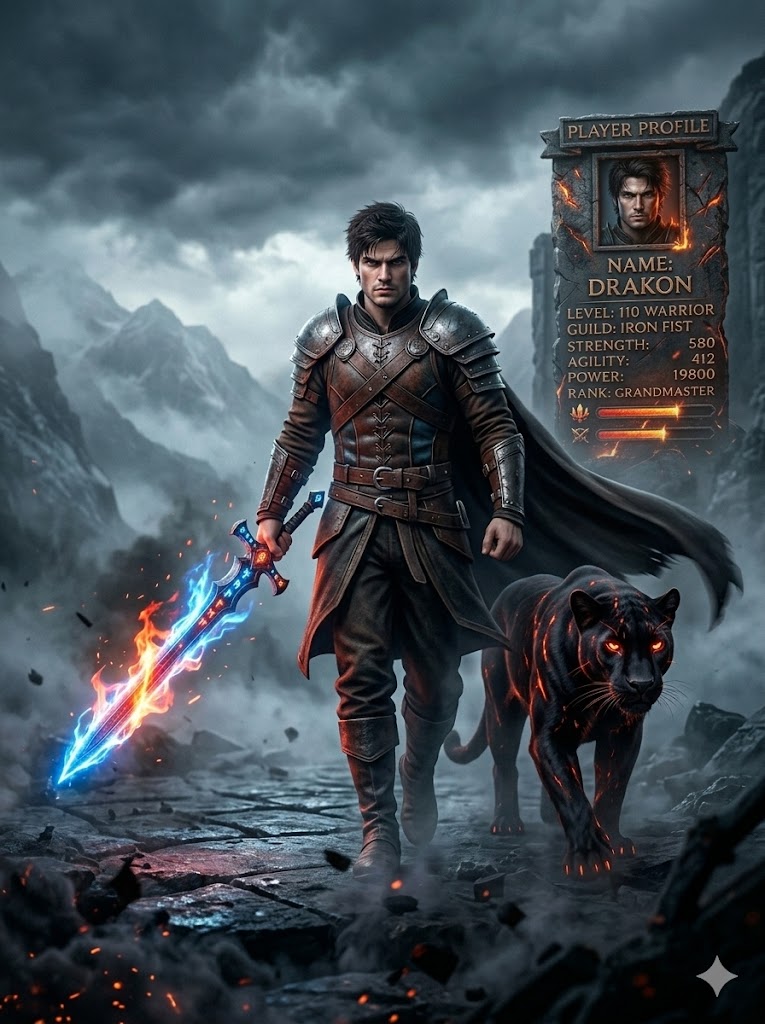
A hyper-realistic, 32k cinematic 3D render of a gaming character warrior Walking with a sword in hand a glowing sword big with fire glowing also his side a black Panther walking a panther glowing a Fire, The warrior wears a same dress as uploaded. A cape flowing aggressively in the wind, creating motion and energy behind him. The background features misty, grey mountains and a moody, overcast sky. The atmosphere is dark, intense, and solitary. --ar 3:4 -- also place the gaming profile in the background with same like a stone type with 3d style All text visible with high quality glowing and profile little bit scratch with red glow, And Smoke on the background Dark.
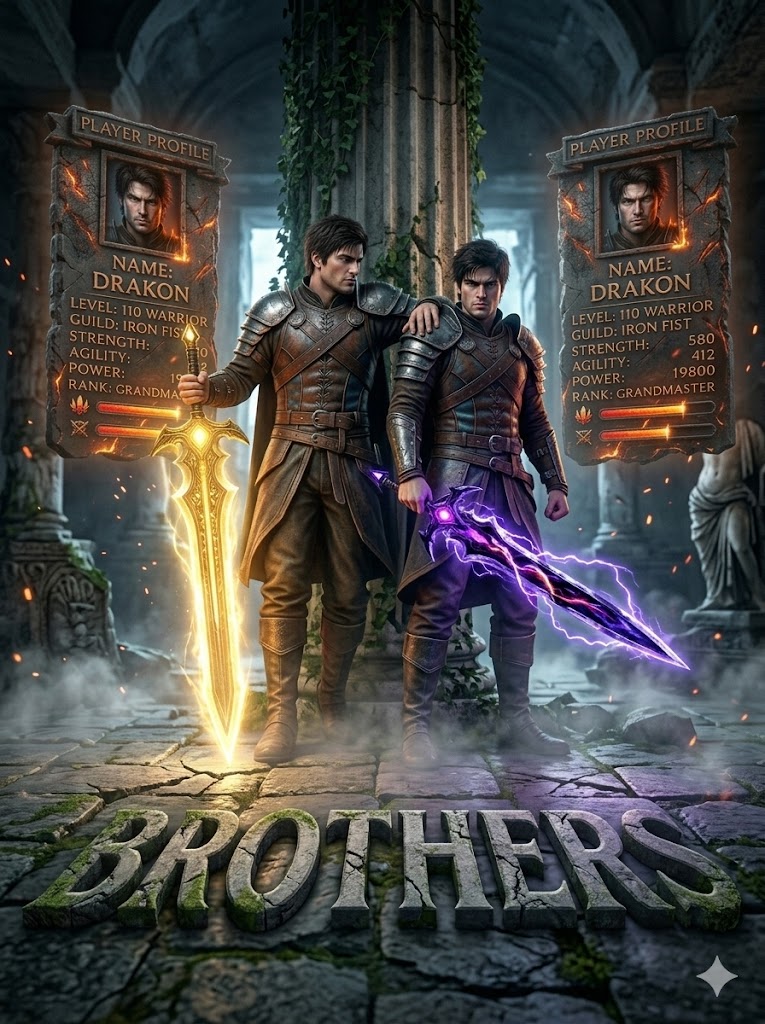
"Two uploaded character brothers standing in ruined ancient temple. Elder brother holding glowing golden sword emitting light. Younger brother holding dark energy blade with purple aura. Mist rolling across floor. Camera low angle from cracked stone ground. Light and shadow contrast across their faces. Ultra realistic, dramatic cinematic lighting, AAA game vibe." both leaning against side by side Hand on shoulder like friendship use exact same dress as visible ar--3:4, placed the uploaded two profile behind the character floating in the atmosphere 3D glowing left turn edge. Fully visible name, Ivl, states, icons, everything exact and( maintain extreme low angle shot) at the down of image add the 3D text reading " BROTHERS " In environment suitable text style use 1000% as uploaded
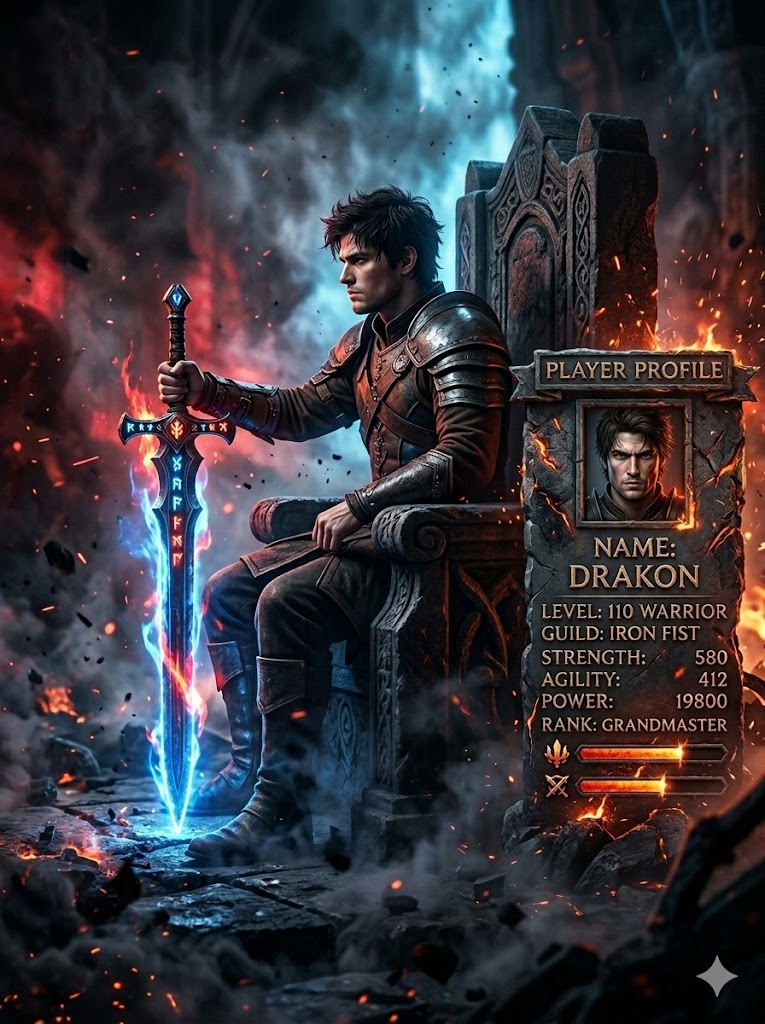
Ultra-realistic cinematic portrait of a gaming character side view side look, (same face as reference) sitting firmly on a grand, stone chair, one hand resting on the hilt of a glowing sword placed vertically with an camera angles. His posture back straight, viewer. The background has a mix of red and electric blue lighting, with floating dust and motion suggesting chaos. Style: cinematic power shot, 8K detail, dark contrast, dramatic Tools and also smoke in the ground dark smoke and lighting. His dress unchanged from reference image and beside the character add Gaming profile with 3d style and fire on the profile and scratch and like stone type of profile and all visible with high quality, in the ratio 3.4
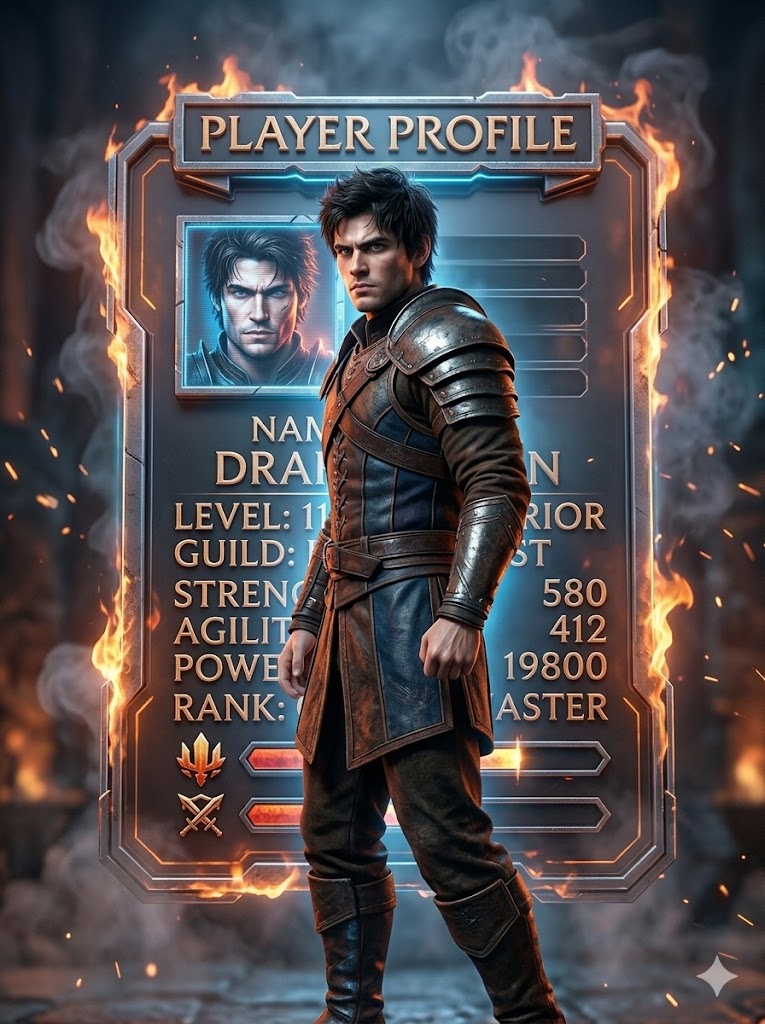
Create an ultra-realistic hyper-detailed 3D cinematic render of a male gaming character. Keep the exact same face, hairstyle, body type, and outfit as the reference image (no changes in dress or colors).
Pose: The character is standing confidently in the center with side look and side view, body slightly angled, one foot forward. One hand relaxed by his side, the other slightly clenched as if ready for action.
Expression intense and dominant, eyes locked toward camera.
Background: Directly behind the character, place a
massive futuristic 3D gaming profile display panel. The panel should look like a floating metallic holographic board with depth and thickness (not flat).
glowing slightly, and layered with real 3D depth.
Surround the profile board with subtle controlled flames on the edges and light smoke drifting around. Sparks flying lightly in the background but not covering the profile.
Lighting: Warm orange glow from fire edges + cool blue rim light outlining the character.
Soft spotlight on face.
Ultra realistic textures, Unreal Engine 5 quality render, 8K resolution, depth of field, sharp focus on character and profile board, epic esports showcase vibe, Instagram viral poster aesthetic.
In the ratio 3.4
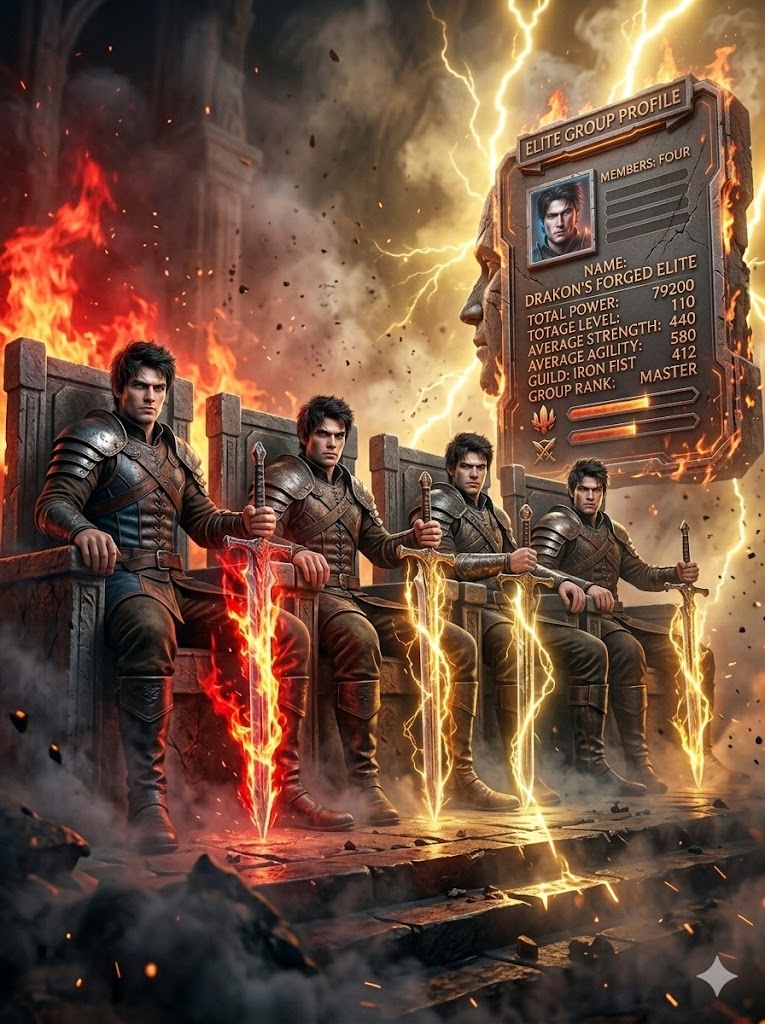
Ultra-realistic, extreme low angle perspective cinematic portrait of a gaming fours characters ( remove unwanted weapon pets from them) side view side look, (same face as reference) sitting firmly on a grand, stone chair, one hand resting on the hilt of a glowing sword placed vertically with an camera angles. Their posture back straight, viewer. The background has a mix of red and electric golden lighting, with floating dust and motion suggesting chaos. Style: cinematic power shot, 8K detail, dark contrast, dramatic Tools and also smoke in the ground dark smoke and the glowing sword on all character hand behind their shoulder confidence,
dominance pose lighting. Their dress unchanged from reference image and beside the character add Gaming profile with 3d style and fire on the profile and scratch and like stone type of profile and all visible, name, sates, icons,lvl with high quality the gaint size of profile, in the ratio 3.4 extreme low angle shot, all character looking at camera directly
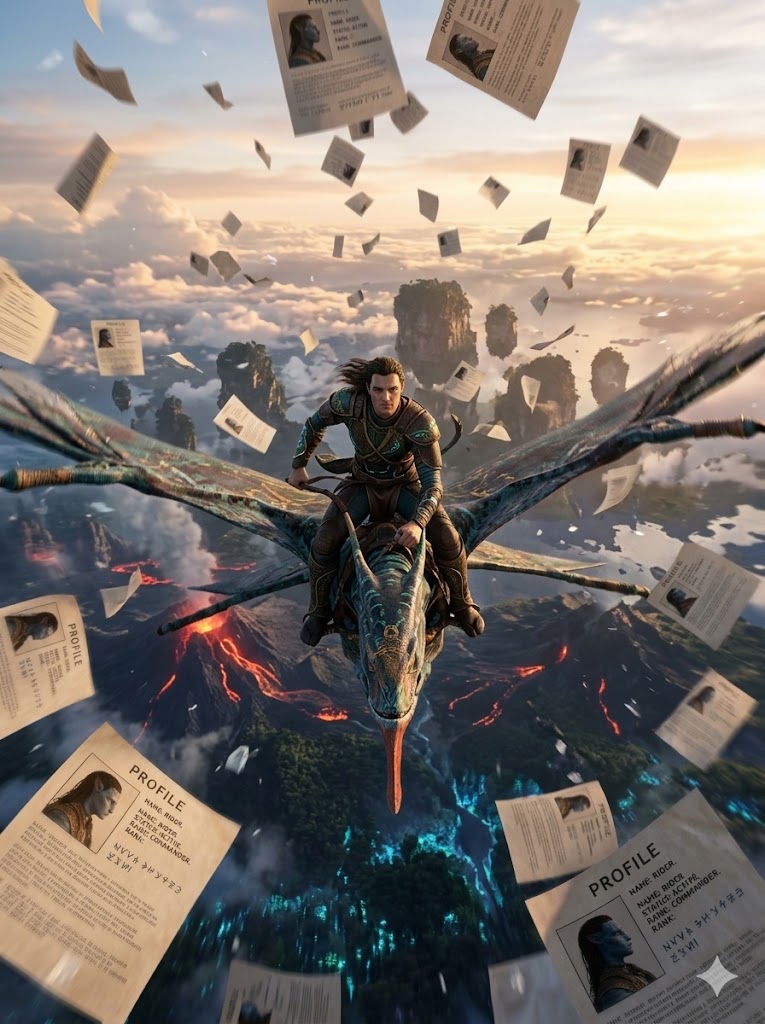
Ultra-high-resolution cinematic fantasy shot inspired by the world of Pandora (Avatar), a powerful Toruk flying at extreme altitude above the floating landscapes and volcanic regions of Pandora, wide aerial perspective with dramatic depth, vast sky and clouds, glowing mour mountains, lava-touched terrain and bioluminescent environment visible below, strong sense of height, speed and motion.

NEW POSE:
Place ME riding the Toruk in a FORWARD-LEANING COMMANDING POSE, upper body slightly leaned forward with confidence, both hands gripping the reins firmly, legs locked and stable on the Toruk's back, strong heroic posture suggesting control and dominance, wind powerfully flowing through clothes, cinematic sense of motion and scale.

Character appearance:
A character rider with a wears a same dress as uploaded, contrast against.
3.4
From above, countless sheets of paper are falling through the air, captured. Each paper has a clearly visible, high-resolution texture showing the uploaded
image, fully readable and sharp. The profile must appear unchanged and distinctly recognizable on every sheet. Lighting should be dramatic and cinematic - golden hour or
soft overcast direct create image
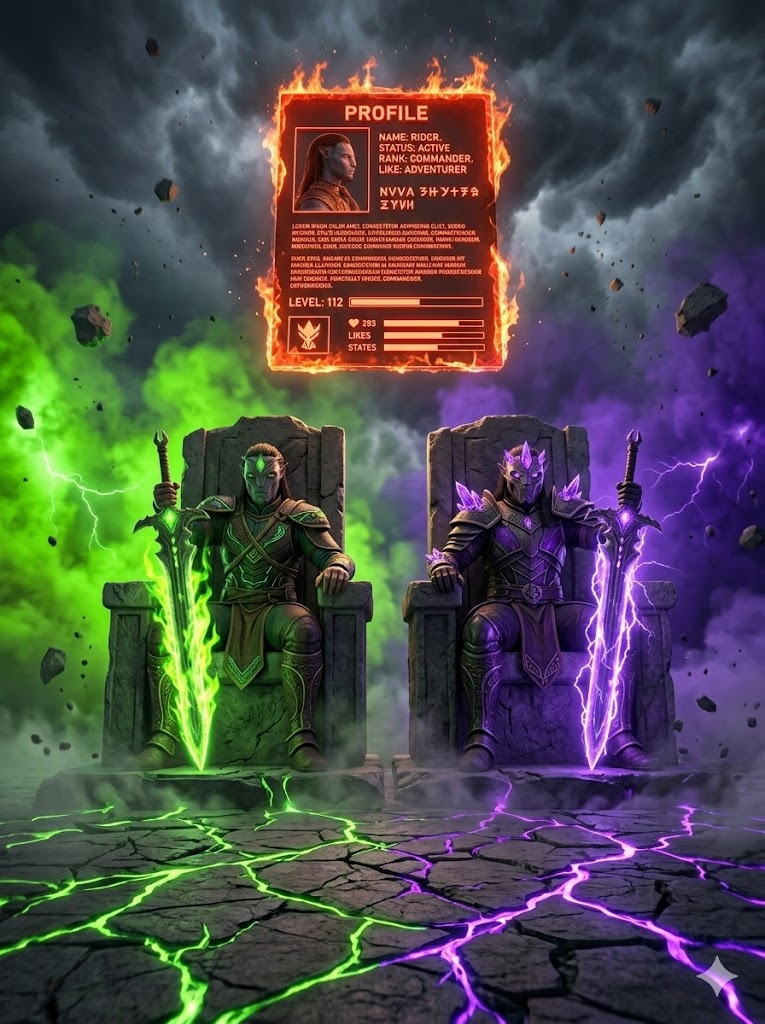
Epic extreme low angle perspective gaming scene
featuring two powerful masked adventure characters sitting on massive stone thrones in a dark battlefield environment. Cracked stone floor beneath them with glowing energy veins spreading outward.
Background filled with dramatic split fog - left side toxic neon green smoke with subtle green lightning flashes, right side deep royal purple fog with purple electric energy streaks. Storm clouds swirling above. Floating debris and dust particles
in the air.
Both characters sitting in dominant relaxed poses, holding glowing energy swords vertically with both hands resting on the hilt. One sword glowing bright green flame energy, the other glowing intense purple lightning aura. Their armor reflecting the matching energy colors.
Strong cinematic rim lighting outlining both characters. Mist rolling across the ground. Dramatic shadows. High contrast lighting. Powerful royal guild leader vibe.
Vertical cinematic composition, ultra detailed textures, AAA game style, dark fantasy atmosphere, 8K resolution." ar--3:4 placed the uploaded profile behind the character floating in the atmosphere 3D glowing fully visible, name, Ivl, likes, states, icons, the profile glowing flaming red. Don't miss up the extreme low angle shot
How to Make a Free Fire Photo Attractive
To make your Free Fire profile photo stand out and look professional, you need to customize a few elements carefully:
- Neon Gaming Background: Add a neon-themed background to your image. This instantly highlights your photo and gives it a vibrant, eye-catching look.
- Special Effects: Include effects like fire, electricity, or energy charges behind your chosen character. These effects make your image feel dynamic and cinematic.
- Username Placement: Always include your username clearly in the image. This personalizes the photo and ties it to your gaming profile.
- High-Quality HD: Ensure that the photo you upload and save is HD quality. This maintains the professional look and prevents blurriness.
Conclusion:
With just one AI prompt, you can create a complete professional Free Fire gaming post featuring your character, your profile, cinematic backgrounds, and effects. This style of editing is trending and has high viral potential on social media. By adding unique elements or your personal touch, your image can become even more impressive.
At EmtiazEditing.com, we’ll continue sharing unique prompts so you can create stunning, viral gaming photos like a pro.