Friends, in today’s article we’ve brought you a Dr. Bhimrao Ambedkar photo editing prompt, which you can use to create your own photo with B. R. Ambedkar. As you know, 14th April is coming soon, which marks the birth anniversary of Babasaheb. Many people celebrate this day with great respect and enthusiasm. On social media—especially Instagram—people are already creating and sharing different types of tribute photos. Some are making simple edits, while others are creating more creative and unique images.
In this article, I’m going to share special prompts that will help you easily create your own photo with him. One trending style shows a person standing in the foreground, while a large statue of Babasaheb stands behind them with a hand placed gently on their head, giving a blessing-like effect. It looks powerful and almost magical, which is why this style is going viral. Today, I’ll guide you step-by-step on how to create this exact type of trending photo.
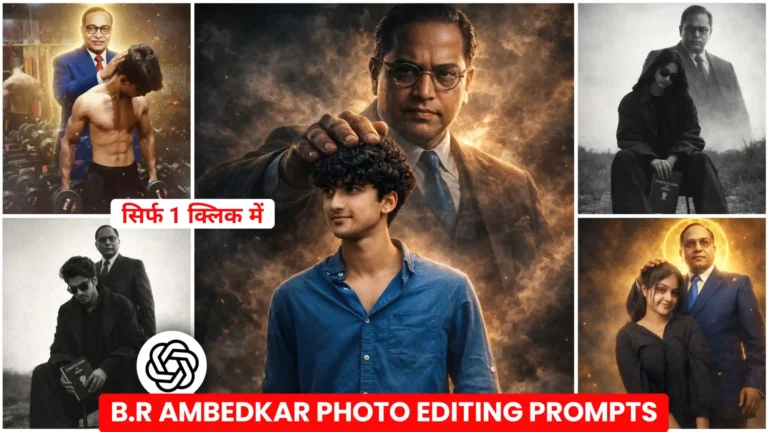
Dr. Bhimrao Ambedkar Saheb Photo Editing Prompt
To be honest, many of these types of photos are going viral right now. Earlier, people were creating similar edits with Hanuman and Lord Shiva (Mahadev), and those became extremely popular. In fact, the photos with Hanuman ji went viral first. After people saw how much attention they were getting, they started creating similar edits with B. R. Ambedkar as well.
The process of creating all these photos is almost the same, but the most important part is the prompt, because each type of photo requires a different style of prompt to get the perfect result. That’s why I’m going to provide you with specific prompts. Some will be designed for boys, and some for girls, since many girls are also creating these photos where Babasaheb’s hand appears to be placed on their head in a blessing pose.
You might also remember that some time ago, a similar blessing-style trend became popular, and after that trend, people started recreating the same concept with Babasaheb. Some are even blending him into different creative backgrounds, and the results look amazing. So friends, let’s talk more about how you can create these trending photos step by step.
bhimrao ambedkar photo prompt
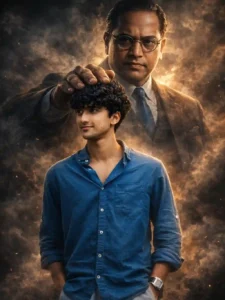
Ultra-realistic 8K cinematic artwork. A massive, divine Dr. Babasaheb Ambedkar appears behind me like a protective guardian, emerging from smoke and shadows. He gently yet powerfully places one hand over my head in a blessing gesture, symbolizing strength. Dark, moody high-contrast lighting with strong rim lights, dramatic shadows, smoke effects, and hyper-detailed textures. Intense, powerful, motivating atmosphere. Preserve my face exactly as in the reference image – no alterations.
dr. bhimrao ambedkar ai photo prompt
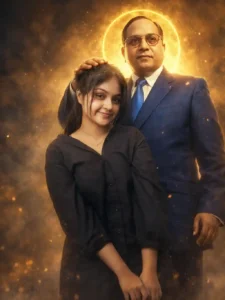
Ultra-realistic cinematic full-body portrait of the same girl from the reference image (exact face, expression, hairstyle, and body proportions preserved). Behind her stands Dr. B. R. Ambedkar (Babasaheb), slightly taller, placing one hand on her head in a blessing pose. He wears a royal blue suit with white shirt and tie. Golden aura surrounds him with a radiant halo. Dramatic volumetric lighting, golden sparks, floating dust, soft smoky atmosphere. Warm gold and blue contrast tones. Low-angle heroic composition. Hyper-detailed skin, realistic fabric texture, sharp focus, depth of field, soft background blur, photorealistic, cinematic 8K ultra HD, masterpiece quality.
dr. ambedkar ji aura farm photo
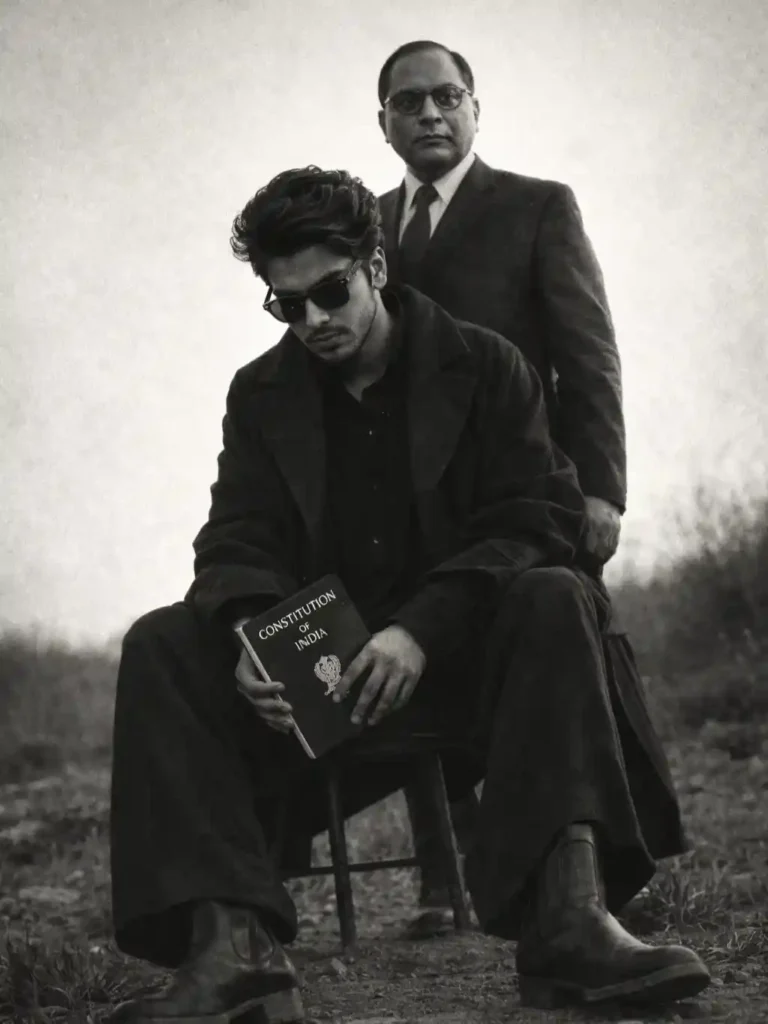
1080p high-quality cinematic photograph. Medium-format monochrome fine-art fashion editorial with subtle film grain and matte texture. Subject seated low on a minimalist metal stool, legs extended forward in a relaxed grounded pose, feet on uneven outdoor terrain. One hand loosely between the knees holding the Indian Constitution, shoulders slightly slouched, head gently tilted downward with a calm, introspective expression. Dark oversized layered outfit, wide-leg trousers, leather boots, dark sunglasses. Behind the seated figure stands Dr. Babasaheb Ambedkar, strong presence, closely aligned in a protective stance, partially overlapping the silhouette. Open natural landscape with rough ground and wild grass; bright overexposed sky forming strong negative space. High contrast lighting, deep blacks, soft highlights, timeless cinematic mood.
br. ambedkar gym photo editing
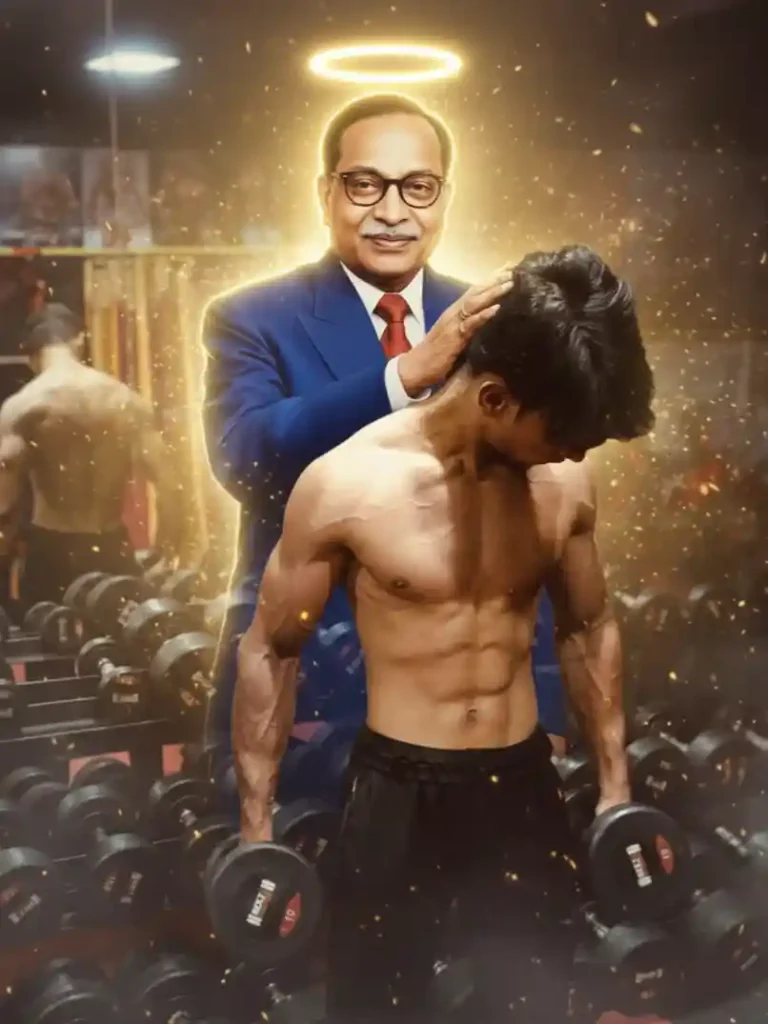
Ultra-realistic cinematic 8K ultra HD full-body digital artwork. Low-angle heroic composition with high contrast and volumetric dramatic lighting. Dr. B. R. Ambedkar (Babasaheb) standing behind me, gently placing one hand on my head in a blessing gesture. He wears a royal blue coat suit with matching trousers. Glowing golden aura surrounding his body with a radiant halo around his head. Golden sparks floating in the air, subtle dust particles, soft smoky atmosphere. Hyper-detailed muscles, realistic skin texture, sharp focus, cinematic depth, masterpiece quality.
How to create a similar photo with someone else.
Look, I’ve shared the prompt for B. R. Ambedkar, but many of you might want to create a similar photo with someone else. For example, some people may want to create it with Rama, while others may prefer Lord Shiva (Mahadev), or any other favorite deity they believe in. Since every image style needs a slightly different prompt, you can’t always use the exact same one.
Here’s a simple trick: first, copy the prompt I’ve provided above. Then go to ChatGPT and paste that prompt there. After pasting, just write a line like, “Modify this prompt for Lord Mahadev” (or replace the name with whoever you want in your photo). Send the message, and within seconds, ChatGPT will generate a customized prompt featuring your chosen God. You can then use that new prompt to easily create your own personalized photo.
How to make photo with Baba Saheb Ambedkar
Creating a photo like this with B. R. Ambedkar is very simple, and I’ll explain it step by step. First, copy any one of the photo prompts provided above. Then, make sure you have a clear photo of yourself where your face is clearly visible. After that, click on the “Create Your Photo” button, which will open the ChatGPT website. There, tap on the plus (+) icon and upload your photo. Next, paste the copied prompt into the text box and click on the send icon. Wait a few seconds while the image is being generated. Soon, your edited photo will appear on the screen, and you can click on it to easily save it to your phone’s gallery.
Conclusion
I’ve explained everything clearly so you can easily create a photo with B. R. Ambedkar. If you follow the same steps, you’ll be able to add Babasaheb to your photo without any difficulty. And if you’d like to create a similar photo with someone else—such as Lord Shiva (Mahadev), Rama, or Hanuman—you can let us know in the comments. We’ll create a detailed article for that as well. In fact, if you visit our website regularly, you may have already seen that we’ve published an article about Hanuman ji, where we shared prompts to create photos in the same trending blessing style.
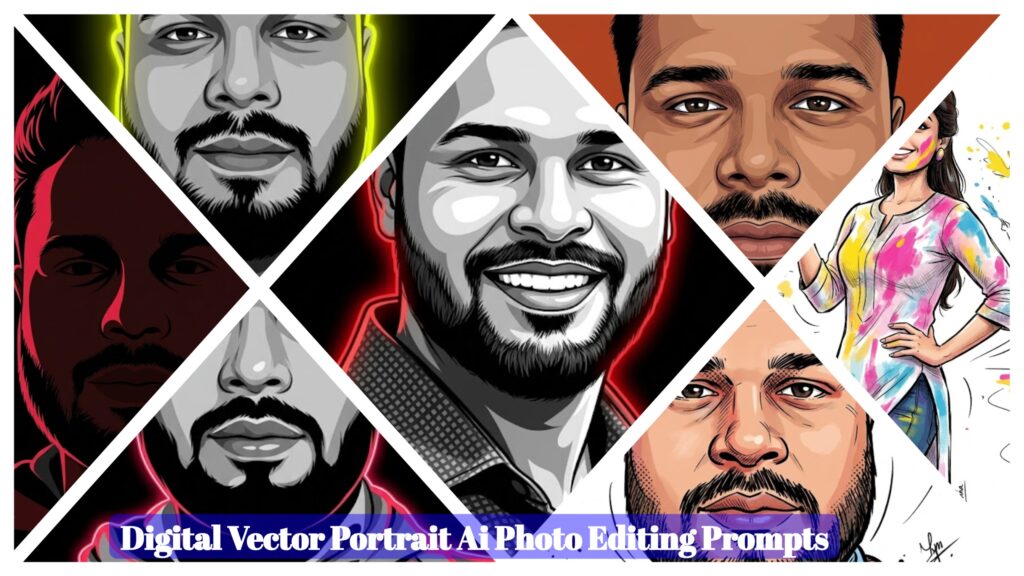
- Digital Vector Portrait AI Photo Editing Prompts – ChatGPT Vector Prompts 2026
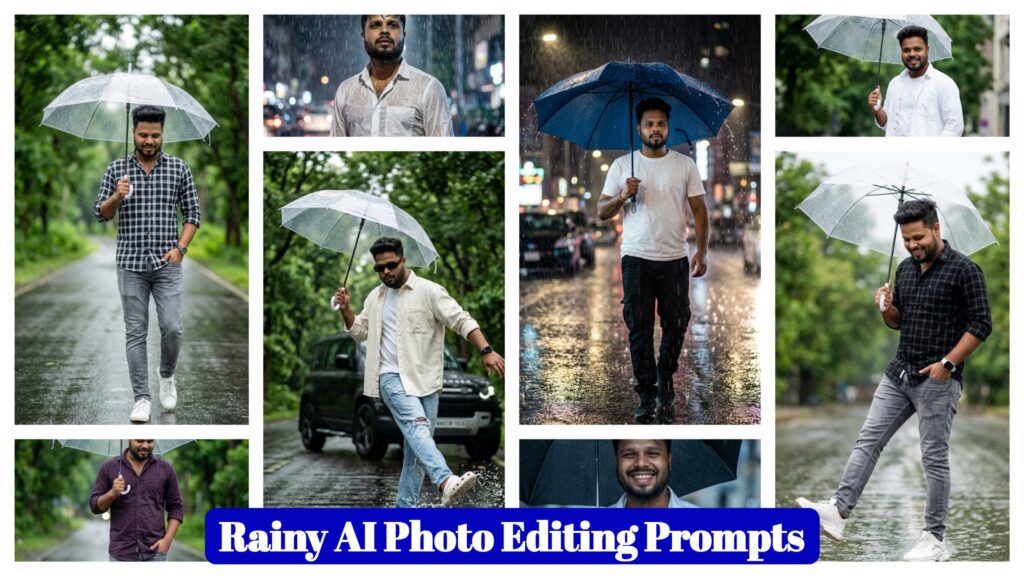
- Google Gemini Rainy AI Photo Editing Prompts 2026 – Rainy Photo Editing Poses
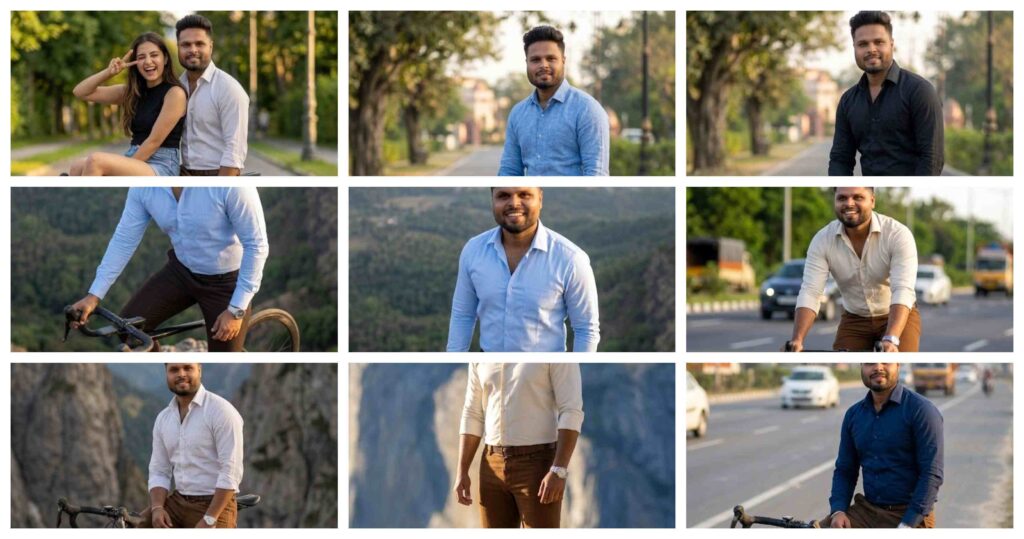
- Google Gemini Cycle AI Photo Editing Prompts 2026 – Cycle Photo Editing Poses
- Top Boys Ai Photo Editing Prompts Google Gemini/ChatGPT 2026
- Free Fire Profile Ai Photo Editing Prompts – Google Gemini Prompts 2026
- Google Gemini Music Lover Ai Photo Editing Prompts | Gemini Prompts 2026
- Ramadan Mubarak AI Photo Editing Prompts for Gemini (2026)
- Google Gemini Happy Holi Girls Ai Photo Editing Prompts 2026
- Happy Holi Couple AI Photo Editing ,Top 10 ChatGPT Ai Prompts
- Lifestyle Photography Ai Photo Editing Prompts 2026 , Google Gemini AI Prompts
- Holi AI Photo Editing ChatGPT, Top 10 Holi Ai Prompts
- Gemini My Male & Girl Version Ai Photo Prompts 2026
- Kareena Kapoor Lehenga Photo Editing Prompts 2026 | Chatgpt Dream Lehenga Prompts
- Trending Hanuman Ji Gym AI Photo Editing Prompts 2026
- Happy Holi Ai Photo Generator – Google Gemini
- Happy Holi Couple Ai Photo Editing Prompts 2026 | Gemini Prompts