Welcome to EmtiazEditing.com – The Ultimate Hub for AI Photo Emtiaz Editing Prompts in 2026
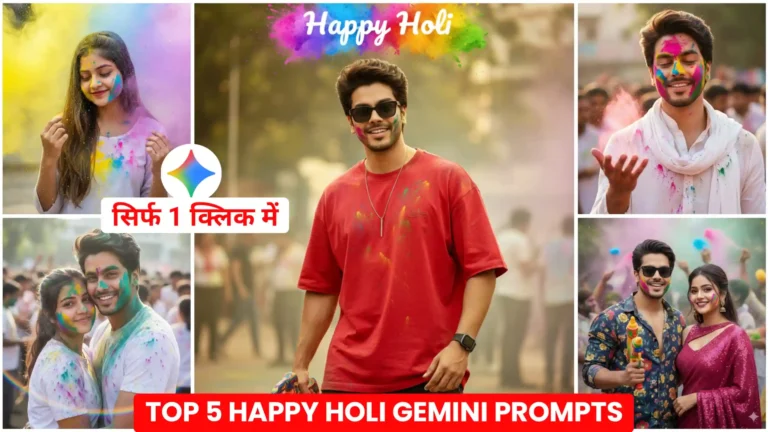
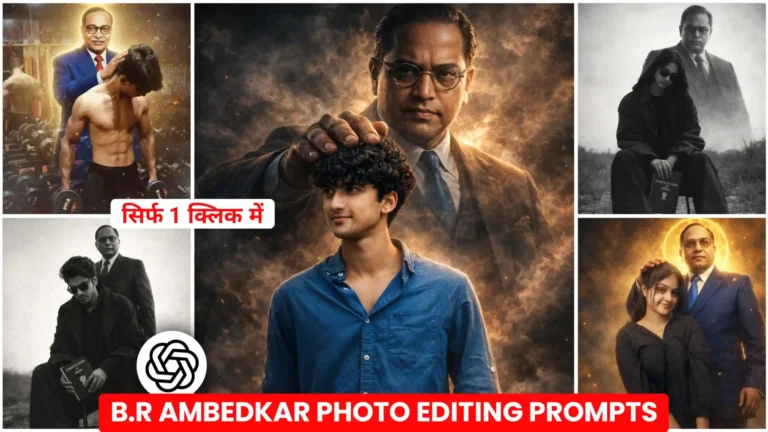
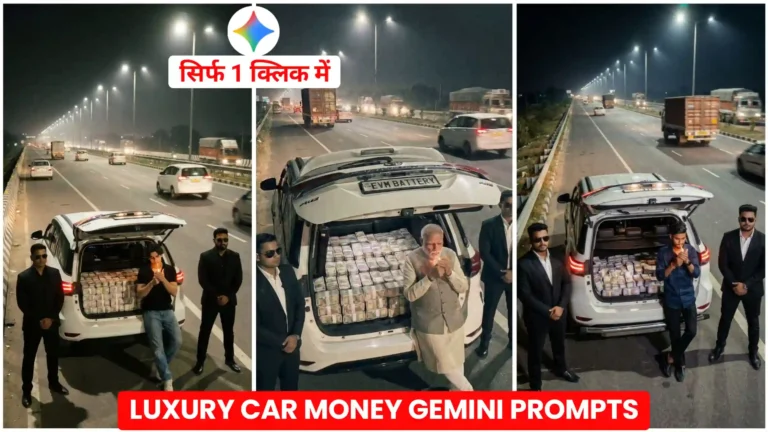
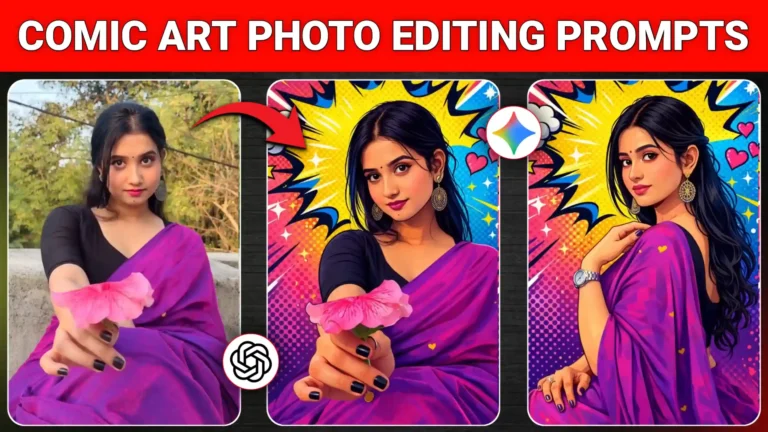
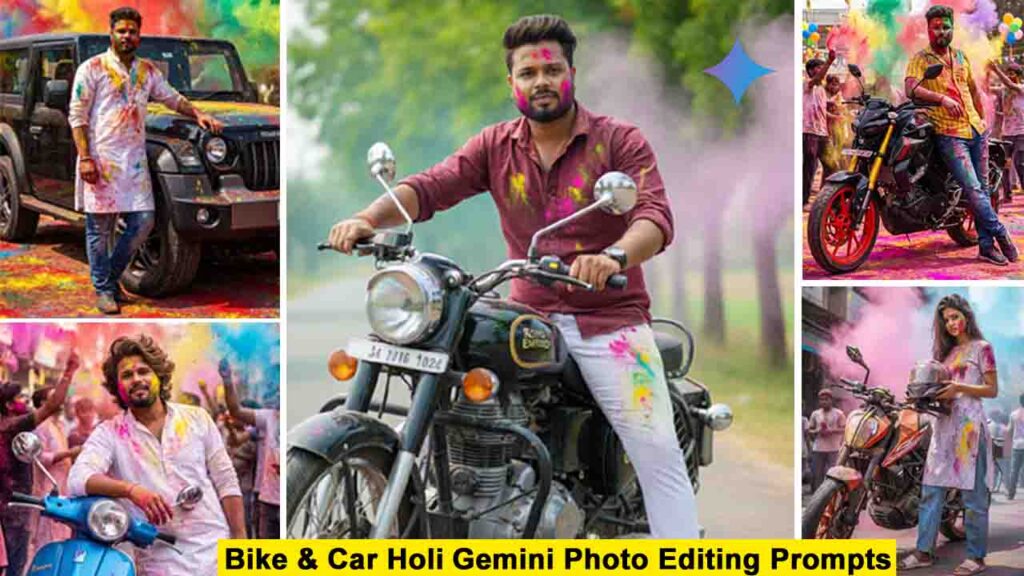
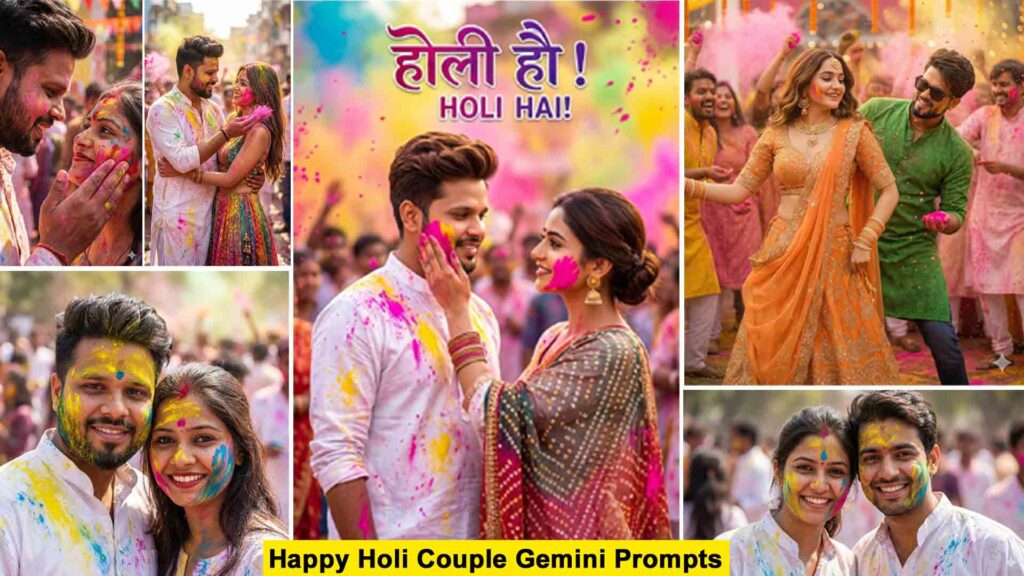
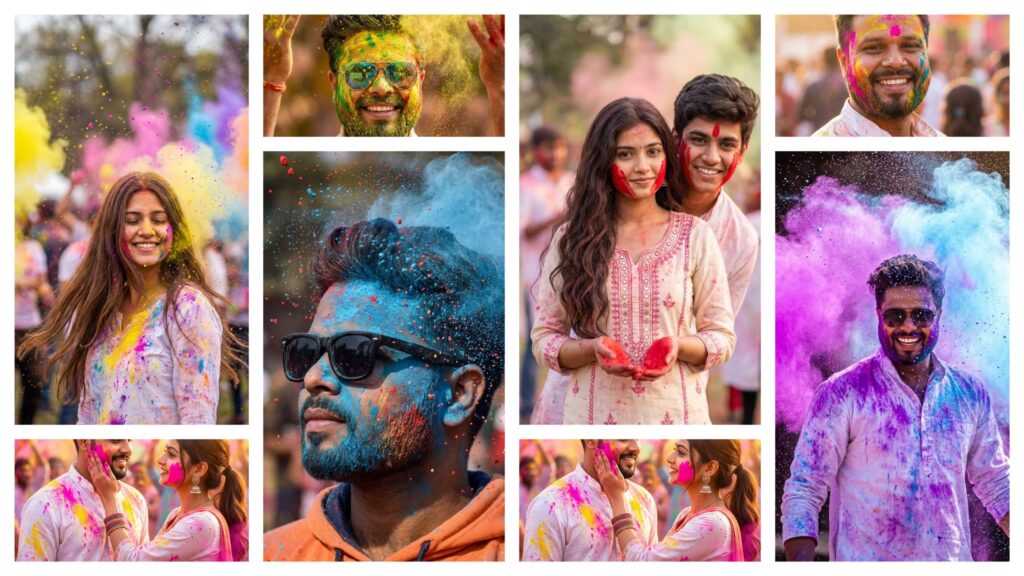
If you are looking for the best AI Photo Emtiaz Editing prompts for Google Gemini and ChatGPT, you are in the right place. At EmtiazEditing.com, we provide the latest and most trending AI photo Emtiaz Editing prompts that help you create professional, cinematic, and ultra-realistic images in just a few seconds. Whether you want gaming profile photos, Free Fire AI edits, cinematic portraits, festival edits, neon backgrounds, or 4K ultra-realistic images, our carefully crafted prompts make the editing process simple and powerful.
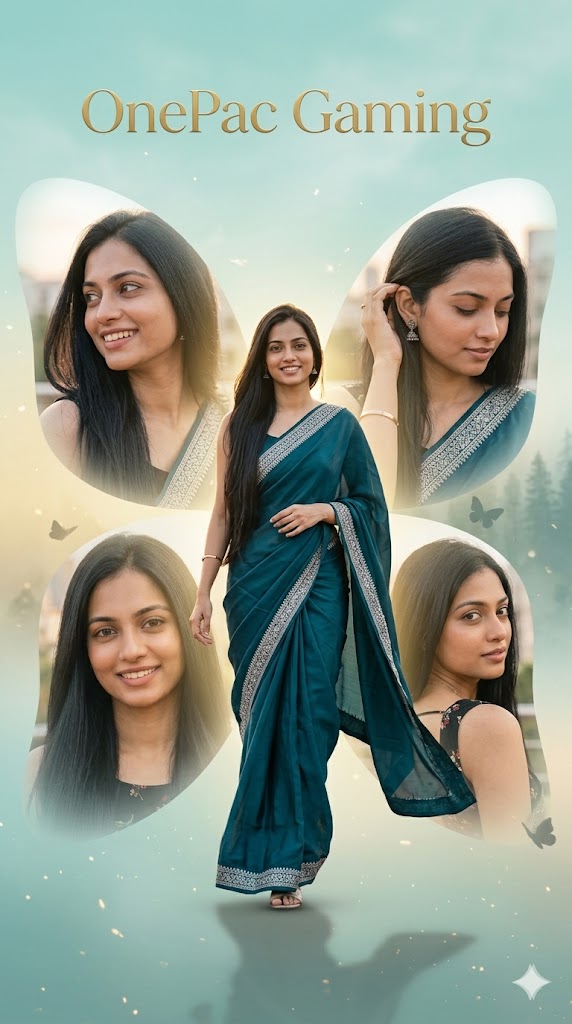
Create a high-resolution, cinematic butterfly-themed collage poster of a young South Indian woman named OnePac Gaming. Use the uploaded image as the exact face reference (strict face preservation – 100% identical facial features, skin tone, hairstyle, expression, no changes at all). Main composition:A large central full-body image of the woman walking gracefully forward in a flowing deep teal saree with silver border, saree slightly fluttering in motion.Elegant posture, soft confident smile, cinematic walking pose. Surrounding layout:4 smaller portrait shots arranged in a butterfly wing formation (top-left, top-right, bottom-left, bottom-right).Each shows close-ups: smiling, side glance, gentle hair tuck, over-the-shoulder pose.Feathered soft edges blending into background. Background:Soft pastel teal + golden gradient skyLight fog at bottom with drifting cinematic dust particlesSubtle blurred forest silhouette for depth Styling:8K ultra-realistic DSLR portraitGolden hour lighting, soft rim light on hairHyper-detailed skin texture, smooth cinematic glowInstagram viral aesthetic, dreamy elegance Aspect ratio: 9:16
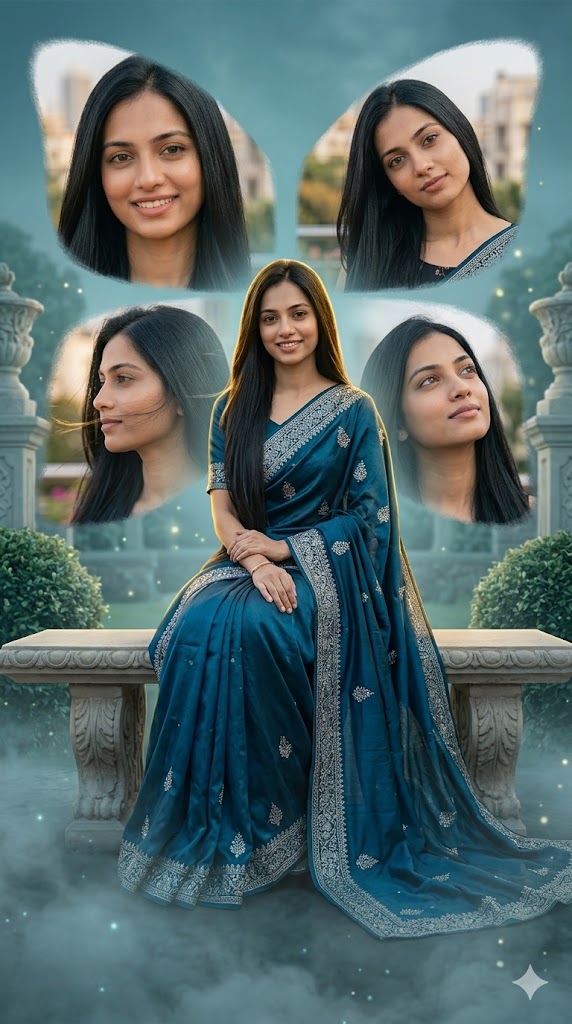
Create a high-resolution cinematic butterfly collage poster of OnePac Gaming, a young South Indian woman. Use the uploaded image as the exact face reference (100% identical facial preservation, no alterations). Main composition:Central full-body image of the woman sitting gracefully on a decorative stone bench in a royal poseDeep blue-teal saree with silver embroidery flowing around herHands gently resting on lap, soft serene expression Surrounding:4 smaller portrait images forming butterfly wingsClose-ups include soft smile, tilted head pose, side profile with wind-blown hair, dreamy upward gazeFeathered blending edges Background:Pastel teal-blue royal garden settingSoft mist rolling at ground levelSubtle glowing particles and cinematic haze Styling:Ultra-realistic 8K DSLR portraitSoft cinematic lighting with dramatic shadowsGolden rim light + cool ambient fill lightHighly detailed fabric texture and jewelry reflections Aspect ratio: 9:16
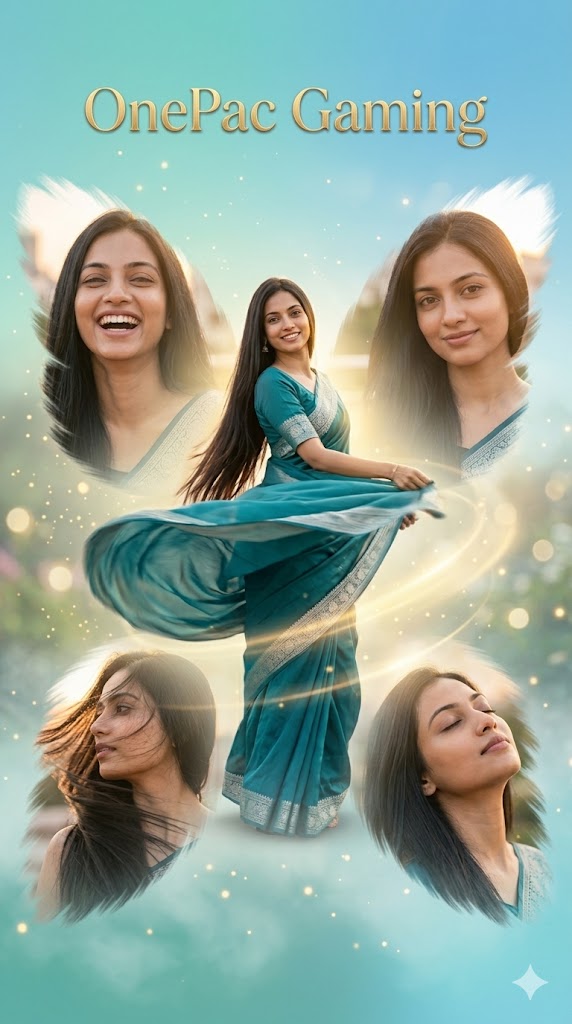
Create a high-resolution cinematic butterfly-themed collage poster of OnePac Gaming, a South Indian woman. Use uploaded image as exact face reference (100% identical facial features, expression, hairstyle preserved). Main composition:Central full-body image of the woman twirling in a flowing teal saree with silver borderSaree fabric in motion creating soft circular flowExpression: joyful, elegant, cinematic motion freeze Surrounding:4 butterfly-wing arranged portrait shotsExpressions: laughing close-up, soft smile, side wind-blown hair, dreamy eyes closed poseSoft feather-blended edges merging into background Background:Pastel teal + sky blue gradientFloating dust particles + soft fogSubtle blurred garden lights and bokeh highlights Styling:8K ultra-realistic DSLR cinematic photographyGolden hour glow with motion blur accentsDramatic light streaks enhancing movementInstagram viral dreamy aesthetic Aspect ratio: 9:16
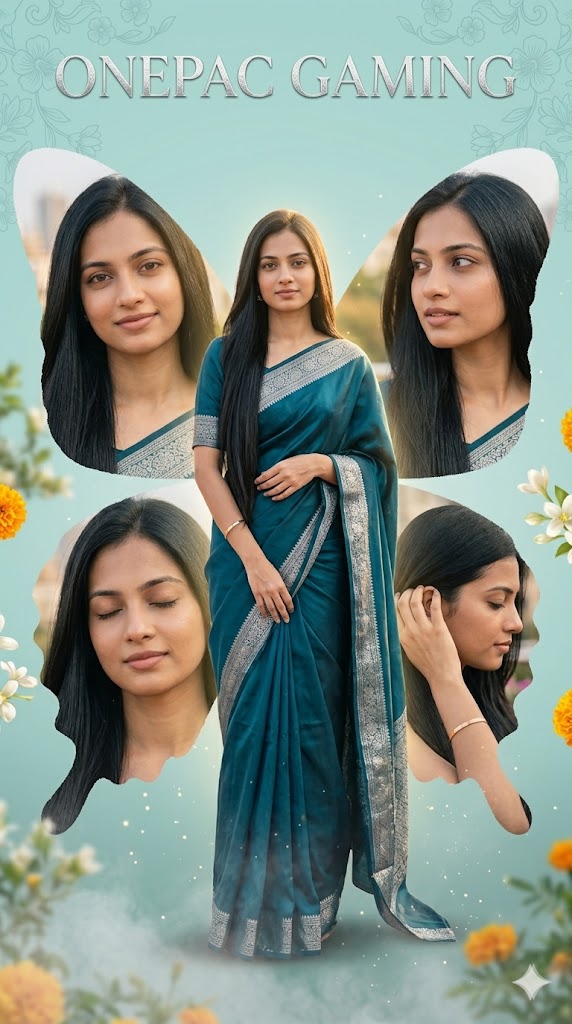
Create a high-resolution cinematic butterfly collage poster of OnePac Gaming, a young South Indian woman. Use uploaded image as exact face reference (100% identical facial features preserved, no modification). Main composition:Central full-body standing pose, calm and elegant postureDeep teal saree with silver border, slightly draped over shoulderGentle hand pose near waist, soft peaceful expression Surrounding:4 smaller portrait shots arranged like butterfly wingsClose-ups: soft smile, looking sideways, close eye serene pose, hair tucked behind earFeathered blending edges for smooth collage integration Background:Soft pastel teal with floral overlay patternsSubtle glowing flowers and blurred greeneryLight mist at bottom with floating particles Styling:Ultra-realistic 8K cinematic DSLR portraitSoft diffused lighting + golden highlightsSmooth skin texture, elegant glowDreamy Instagram aesthetic composition Aspect ratio: 9:16
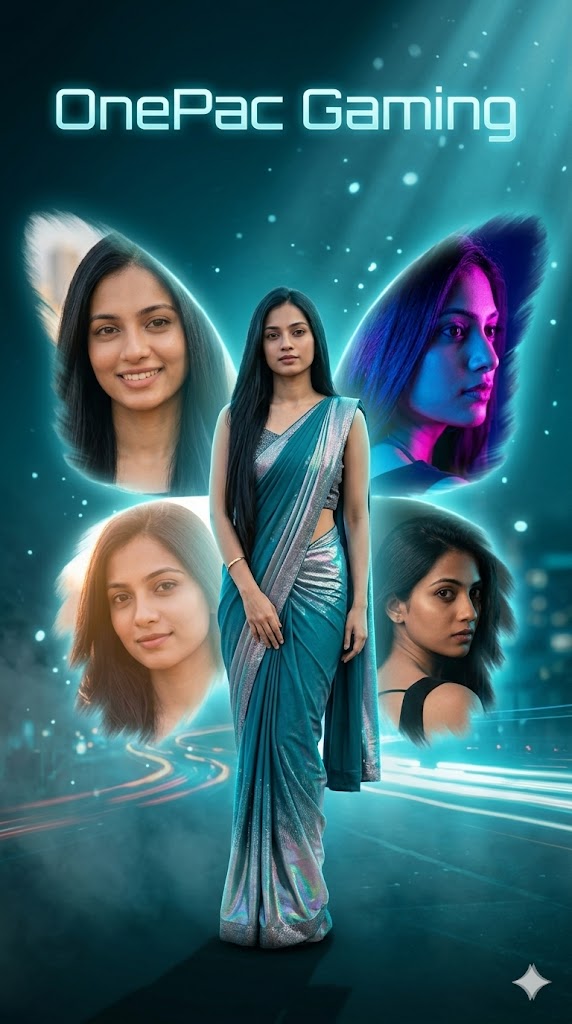
Create a high-resolution cinematic butterfly-themed collage poster of OnePac Gaming, South Indian woman. Use uploaded image as exact face reference (strict 100% facial identity preservation, no changes allowed). Main composition:Central full-body image standing confidently in a teal saree with silver shimmerSlight modern fashion twist with glowing fabric reflectionsStrong confident pose, slightly turned body Surrounding:4 portrait shots arranged in glowing butterfly wing formationExpressions: confident smile, side neon-lit profile, soft close-up glow, dramatic over-shoulder lookSoft feather-blended edges with light bloom effect Background:Dark teal + neon blue gradient night sceneGlowing light trails + cinematic fogFloating particles and subtle city blur bokeh Styling:8K ultra-realistic cinematic DSLR night photographyNeon rim lighting + soft volumetric light beamsHigh contrast dramatic shadowsViral Instagram aesthetic, modern fantasy vibe Aspect ratio: 9:16
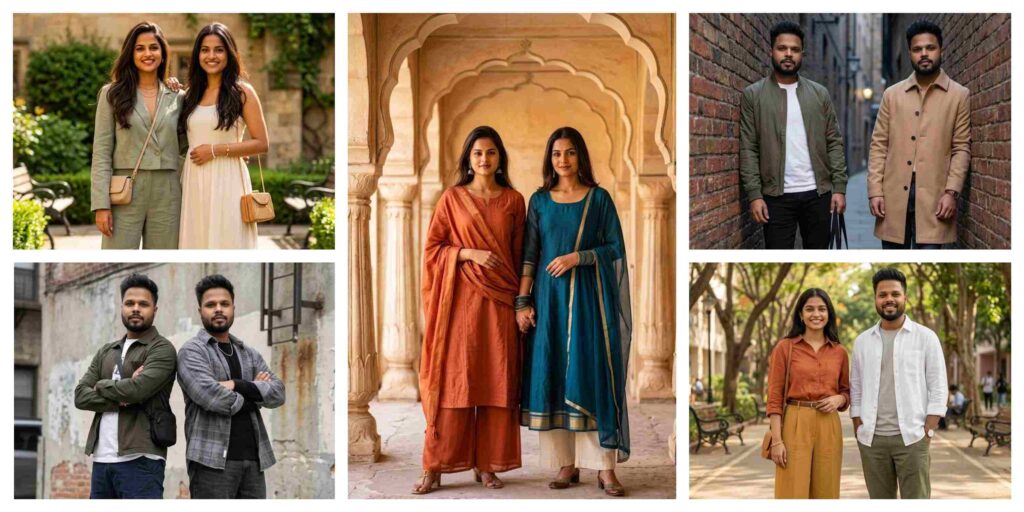
5 Best Gemini Prompt for Stylish Best Friends Photos 2026
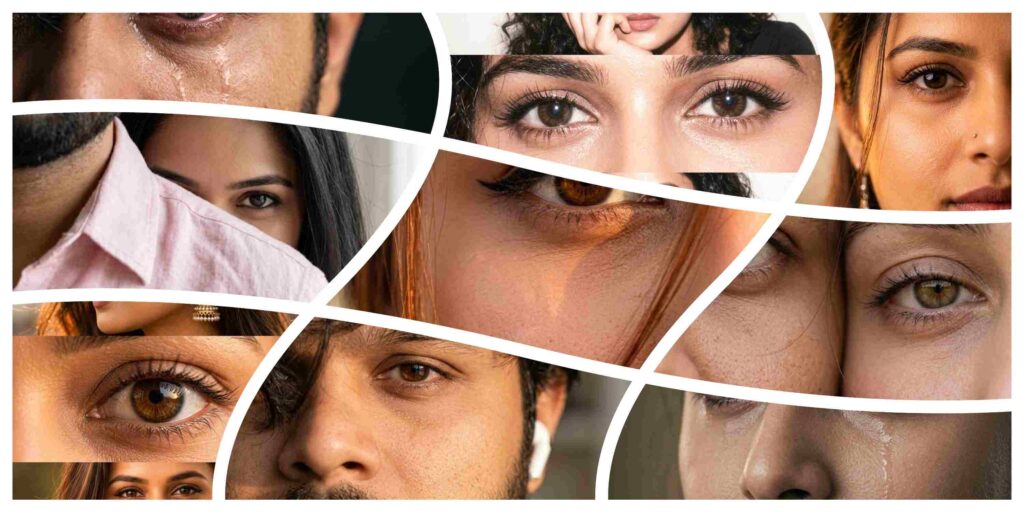
Best ChatGPT Prompt for Romantic Couple Photos
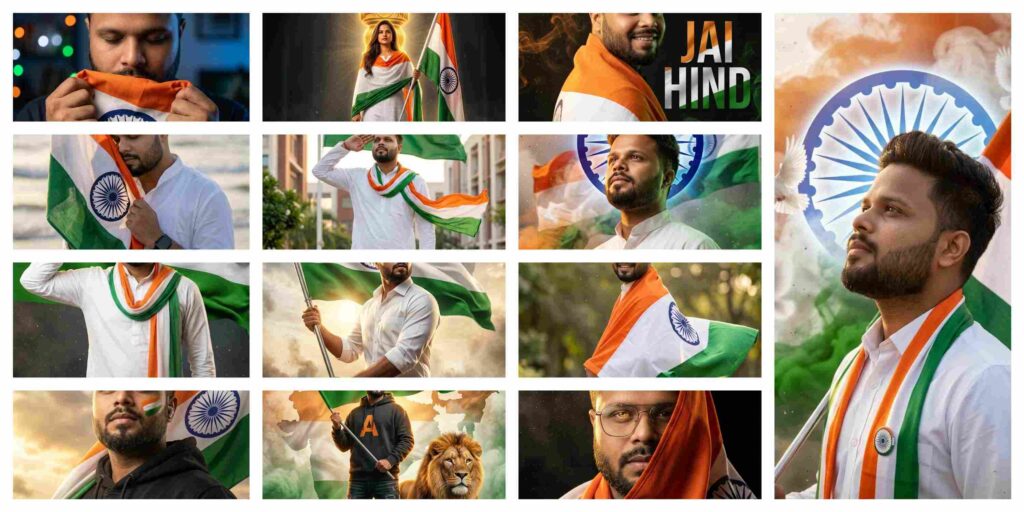
Best Gemini Prompt for Luxury Independence Day Portraits
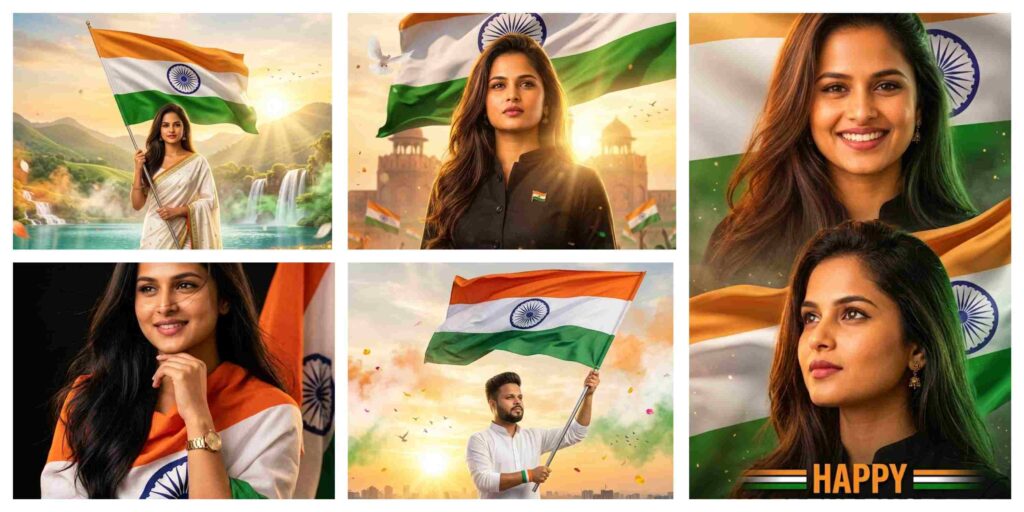
Best Gemini Prompt for Happy 15 August Patriotic Photos
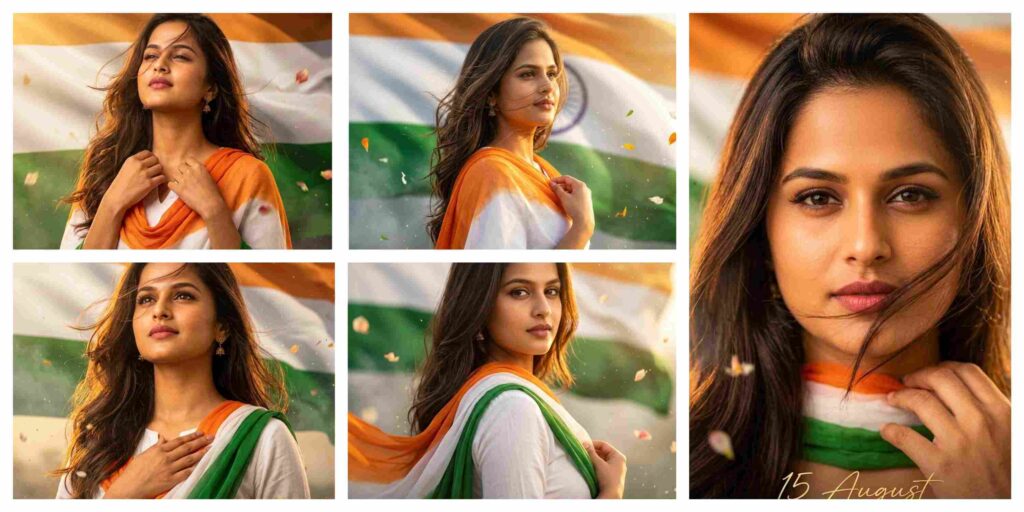
Best Gemini Prompt for Independence Day Photos of Indian Women
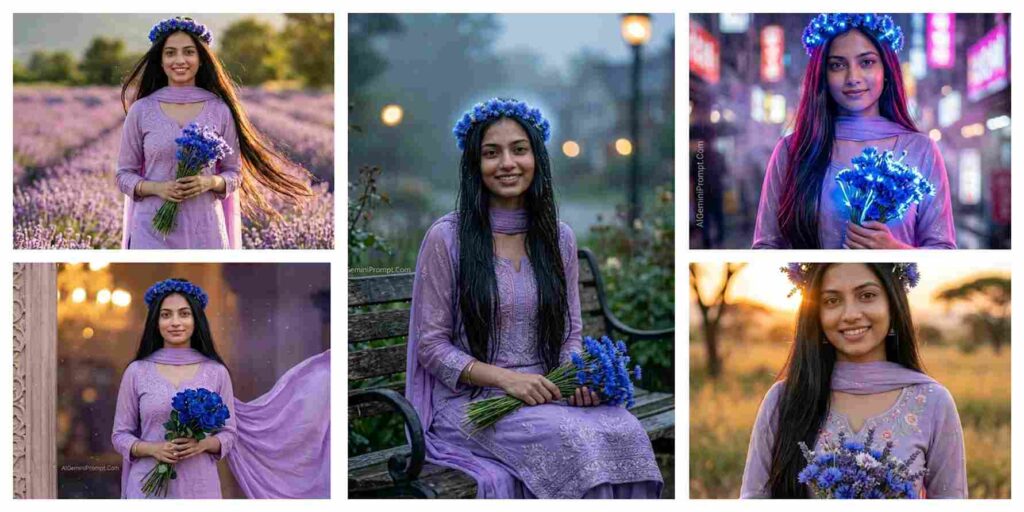
Dreamy Lavender Girl Aesthetic AI Photo Editing Prompts | Gemini and ChatGPT
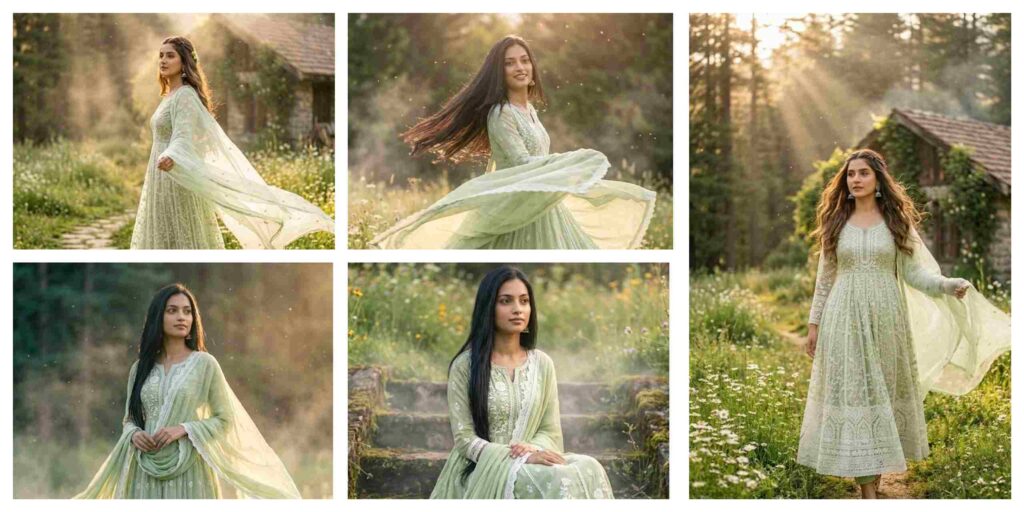
Ultra-Realistic Ethnic Fashion AI Prompt | AI Image Generator
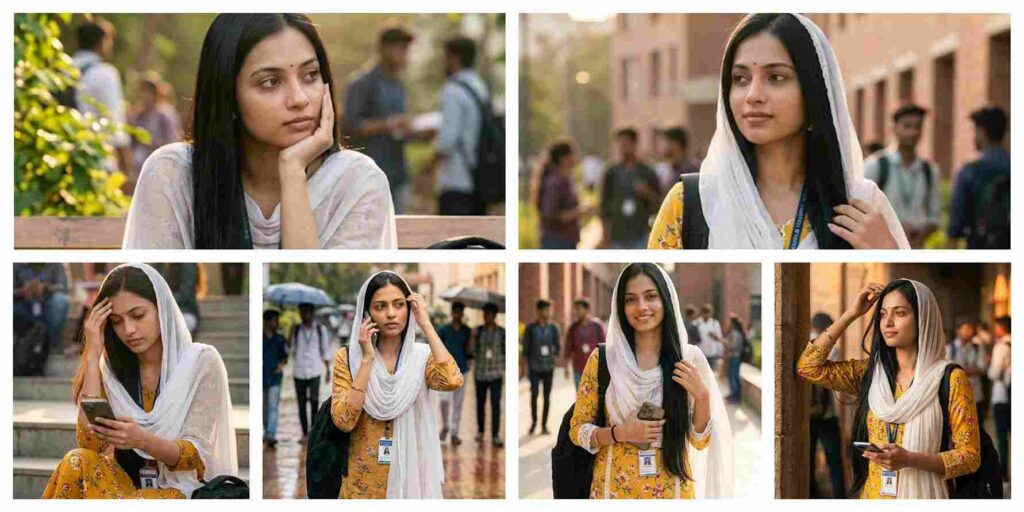
Cinematic College Corridor AI Prompt | Gemini and ChatGPT
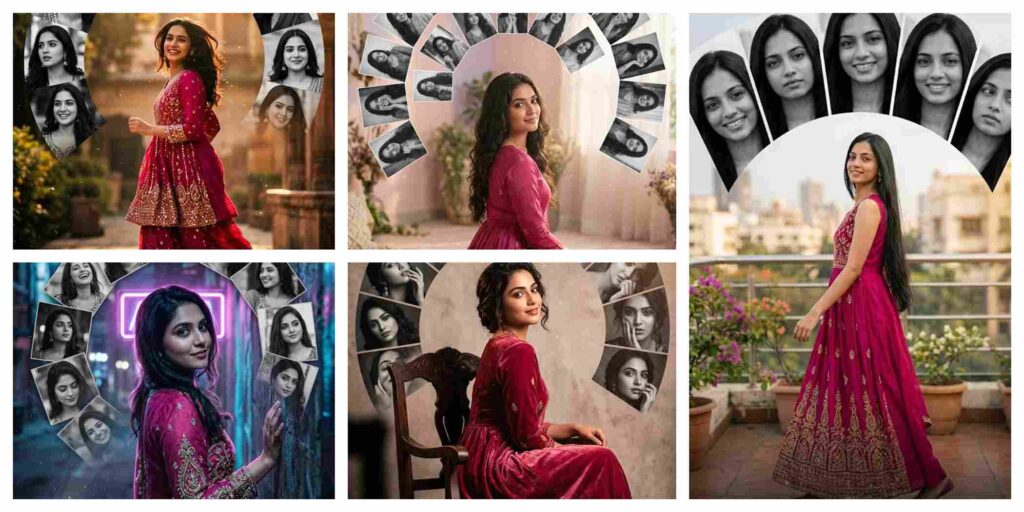
Creative Semi-Circle Portrait Collage AI Prompt | AI Image Generator
With the rapid growth of AI tools like Google Gemini and ChatGPT, AI Photo Emtiaz Editing techniques have become more powerful than ever. Creating stunning AI-generated photos is now easier, but the real secret behind high-quality results is using the right prompts. That’s why EmtiazEditing.com focuses on sharing step-by-step guides, detailed prompts, and trending ideas for AI Photo Emtiaz Editing users.
On this website, you will discover high-quality prompts for portraits, gaming profiles, festival photos, Instagram-style edits, cinematic photography, and viral trending AI images. All prompts are specially designed for AI Photo Emtiaz Editing workflows using Gemini and ChatGPT tools, ensuring sharp details, realistic lighting, and professional-quality outputs.
If you want to stay ahead in the world of AI photo editing trends in 2026, bookmark EmtiazEditing.com and explore our regularly updated collection of powerful AI prompts, editing tutorials, and creative ideas that help you transform simple photos into stunning AI masterpieces.
How To Use AI Photo Emtiaz Editing Prompts on Gemini and ChatGPT
Using AI Photo Emtiaz Editing prompts on Gemini and ChatGPT is very simple. Just copy the prompt, upload your image (if needed), and generate stunning visuals within seconds. These prompts are perfect for creating cinematic portraits, travel photography, village scenes, and professional profile images with ease.
Step 1: Open Gemini or ChatGPT
First, open the Google Gemini AI tool or ChatGPT in your browser or mobile app. Make sure you are logged in with your Google or OpenAI account so you can use the image generation feature without any issues.
Step 2: Upload Your Photo (Optional)
If the prompt requires your face or a reference image, upload your photo first. Most AI photo Emtiaz Editing prompts work best when you provide a clear image so the AI can generate a realistic result.
Step 3: Copy the AI Prompt
Now go back to this article and copy any prompt you like. We have shared prompts for different styles such as cinematic portraits, travel photography, mountain views, village lifestyle photos, and professional photoshoot images.
Step 4: Paste the Prompt
Paste the prompt inside Gemini or ChatGPT and make sure the instructions remain the same. If the prompt includes a line like “Use uploaded image as face reference”, keep it unchanged so the AI understands the request correctly.
Step 5: Generate the Image
After pasting the prompt, simply click Generate. Within a few seconds, the AI will create a high-quality edited image with realistic lighting, cinematic colors, and professional details.
Step 6: Download and Share
Once the image is generated, you can download the photo and use it for Instagram posts, gaming profiles, social media content, or personal projects.
Using these prompts on Gemini and ChatGPT allows anyone to create stunning AI photos without advanced editing skills. Just copy the prompt, upload your photo, and let the AI generate beautiful cinematic, travel, mountain, or professional-style images in seconds.
For more trending AI photo Emtiaz Editing prompts in 2026, keep visiting EmtiazEditing.com where we regularly share the latest and most powerful prompts for creators and editors. ????
Benefits of AI Prompts for Photo Emtiaz Editing
AI prompts have completely transformed the way people create and edit images. With tools like Google Gemini and ChatGPT, anyone can generate professional-quality photos simply by using the right prompt. Instead of spending hours editing manually, AI prompts allow creators to produce stunning visuals in just a few seconds. Here are some of the main benefits:
1. Fast and Time-Saving Editing
One of the biggest advantages of AI photo Emtiaz Editing prompts is speed. Traditional editing can take a long time, but with AI prompts, you can create cinematic portraits, travel photos, mountain landscapes, and professional profile images instantly.
2. No Professional Skills Required
You don’t need advanced editing knowledge to create amazing images. Even beginners can use AI prompts to generate high-quality photos with realistic lighting, detailed backgrounds, and creative styles.
3. High-Quality and Realistic Results
AI tools are designed to produce ultra-realistic images with professional lighting and sharp details. With the right prompt, you can create 4K cinematic photos, stylish portraits, and stunning nature scenes easily.
4. Endless Creative Possibilities
AI prompts allow you to experiment with different styles such as cinematic portraits, village lifestyle photos, travel photography, mountain views, neon gaming edits, and professional photoshoots. This gives creators unlimited opportunities to explore new ideas.
5. Perfect for Social Media and Profiles
AI-generated photos look unique and attractive, which makes them perfect for Instagram posts, gaming profiles, YouTube thumbnails, and personal branding.
6. Consistent and Professional Look
Using well-written prompts helps maintain a consistent style and quality in your photos. This is especially useful for content creators who want their images to look professional across all platforms.
Using AI prompts for photo Emtiaz Editing is one of the easiest ways to create beautiful, high-quality images without complicated software. With platforms like Gemini and ChatGPT, anyone can transform a simple photo into a cinematic masterpiece in just a few seconds.
Final Words
AI photo editing is evolving rapidly, and AI Photo Emtiaz Editing is becoming one of the most searched trends in 2026. In this article, we shared powerful prompts to help you create cinematic portraits, travel photos, mountain landscapes, village scenes, and professional edits easily.
At EmtiazEditing.com, our mission is to provide the best AI Photo Emtiaz Editing prompts, tutorials, and creative ideas so that beginners and professionals can generate unique and high-quality images quickly.
If you found this article helpful, bookmark EmtiazEditing.com for more AI Photo Emtiaz Editing prompts, trending edits, and creative inspiration.
Start using these prompts today and create stunning AI images that stand out. ✨
Start experimenting with these prompts today and create stunning AI photos that stand out from the crowd. ✨