Currently, a viral trend on Instagram is taking over, called the Gemini My Male & Girl Version AI Photo Prompts. In this trend, boys can see themselves as girls, and girls can see themselves as boys by creating AI-generated photos. People are using this effect to make fun and fascinating transformations, and then converting these photos into videos for Instagram. The video usually starts with the person’s original photo, and then it instantly transforms into the opposite gender, showing a boy as a girl or a girl as a boy. The results look amazing and realistic, which is why so many creators are participating in this trend. In this article, I’ll explain step by step how you can create these viral photos and videos using the Gemini AI prompts.
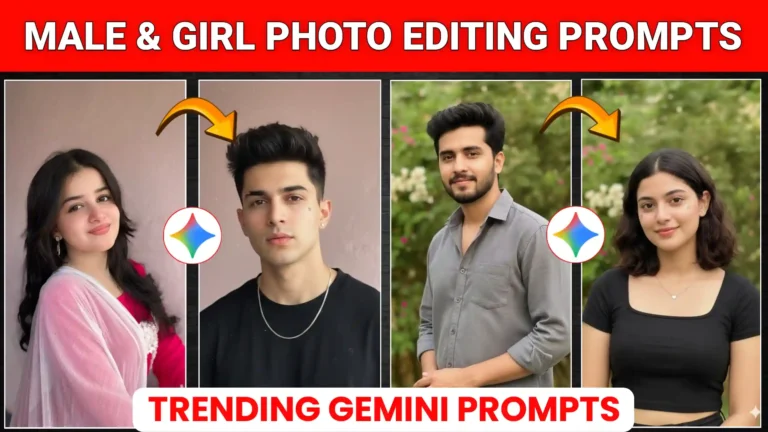
Friends, the Gemini My Male & Girl Version AI Photo Prompts trend is currently going viral on Instagram. In these videos, a person first uploads their own photo with a label like “my male” or “girl version”, and then, suddenly, the photo transforms into the opposite gender—boys become girls, and girls become boys. Creators are adding their own creativity to these transformations, making them unique and highly engaging. You can easily create these photos too, and since it’s trending, your posts are likely to get amazing engagement. In this article, I’ll share the best method to create these transformations, along with prompts for all the different styles. Some girls are turning into boys with beards, others without; some boys are turning into girls with different looks. Using these prompts, you can create any variation you want, just like the viral posts you see on Instagram.
Boys Prompts
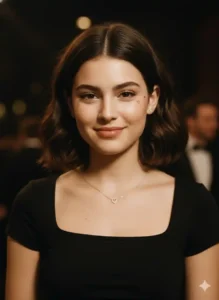
Transform me into a natural-looking beautiful girl with mid-short open hair, clean face (no beard). Keep the image realistic with soft blur, light noise, and no extra sharpening. Add a subtle little heart face filter. Outfit should be a black square-neck crop top, with small ear piercings and a simple minimalist necklace featuring a tiny heart pendant.
Girl Prompts Clean Shave
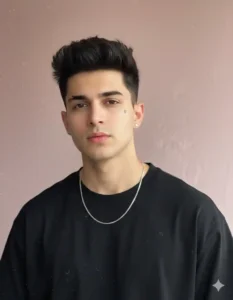
Transform me into a handsome boy with short, messy textured hair and a clean-shaven face. Keep the photo realistic with natural film grain, slight motion blur, and sensor noise, without extra sharpening. Add a subtle star or lightning mark on the cheek. Outfit should be a black boxy-fit crew neck t-shirt, with a small silver stud earring and a thin silver chain necklace (no pendant).
Girl Prompts With Beard
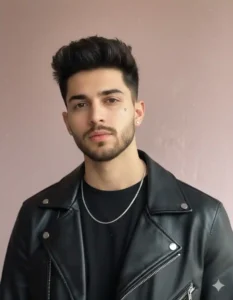
Transform me into a handsome boy with short, messy textured hair and a lightly trimmed beard for a smart look. Keep the image realistic with natural film grain, slight motion blur, and sensor noise, without extra sharpening. Add a subtle star or lightning mark on the cheek. Style him in a black boxy-fit crew neck t-shirt layered with a black leather jacket, along with a small silver stud earring and a thin silver chain necklace (no pendant).
Friends, here’s the simple process for making Male & Girl Version photos that are trending on Instagram. First, you need a clear photo of yourself—your face should be visible, because this will be used for the transformation. Next, we’ll use Google Gemini to create your converted image. If you’re a boy, copy the girl version prompt; if you’re a girl, copy the boy version prompt. Then, click the “Create your image” button, add your photo, and paste the prompt.
After that, click the send icon, and wait a few seconds. Your photo will be transformed: boys will appear as girls, and girls will appear as boys. Once it’s ready, simply click on the image to save it to your gallery. This way, you can easily create your own viral Male & Girl Version photos just like the trending posts on Instagram.
Friends, the Instagram Viral Male and Female Version Trend is currently taking over the platform. In this trend, people are transforming their photos to see what they would look like as the opposite gender—boys turning into girls and girls turning into boys. It’s a fun and creative way to satisfy that curiosity we all have: “How would I look if I were the opposite gender?” Many creators are making these photos and even turning them into videos, which are getting amazing engagement on Instagram.
By using Gemini My Male & Girl Version AI Photo Prompts, you can easily create your own viral photos in just a few clicks. First, add a clear photo of yourself, then use the correct prompt depending on your gender, and let Google Gemini generate your transformed image. Once it’s ready, you can save it and even make a video with it. This trend is simple, fun, and perfect for boosting engagement and followers. We hope you enjoyed learning about this trend—try it out and join the viral wave!
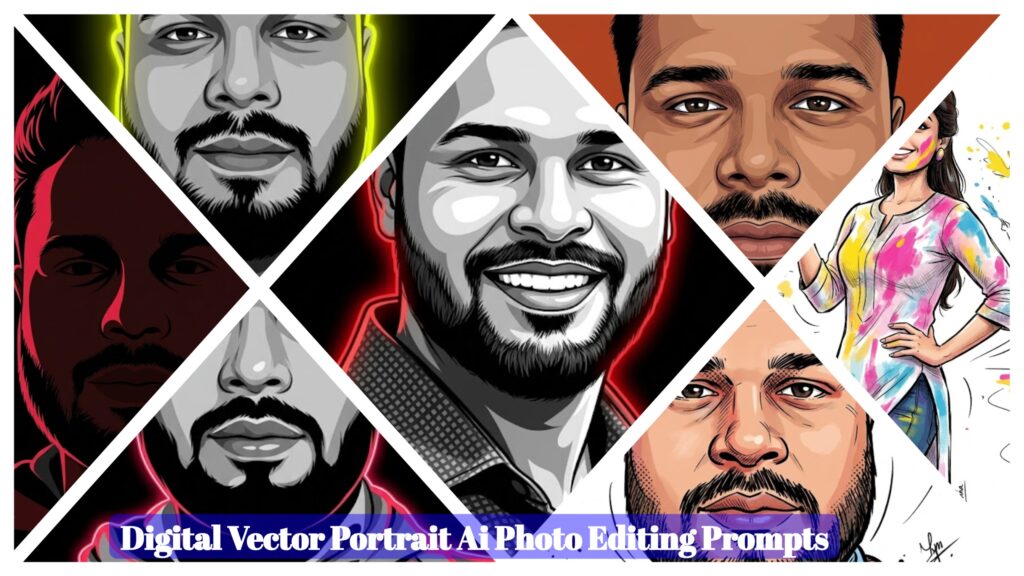
- Digital Vector Portrait AI Photo Editing Prompts – ChatGPT Vector Prompts 2026
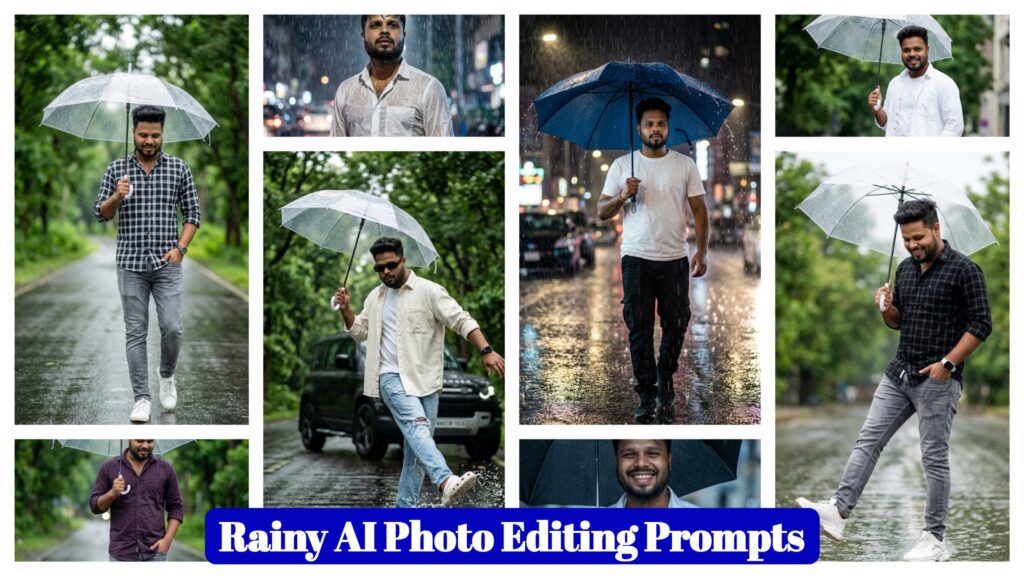
- Google Gemini Rainy AI Photo Editing Prompts 2026 – Rainy Photo Editing Poses
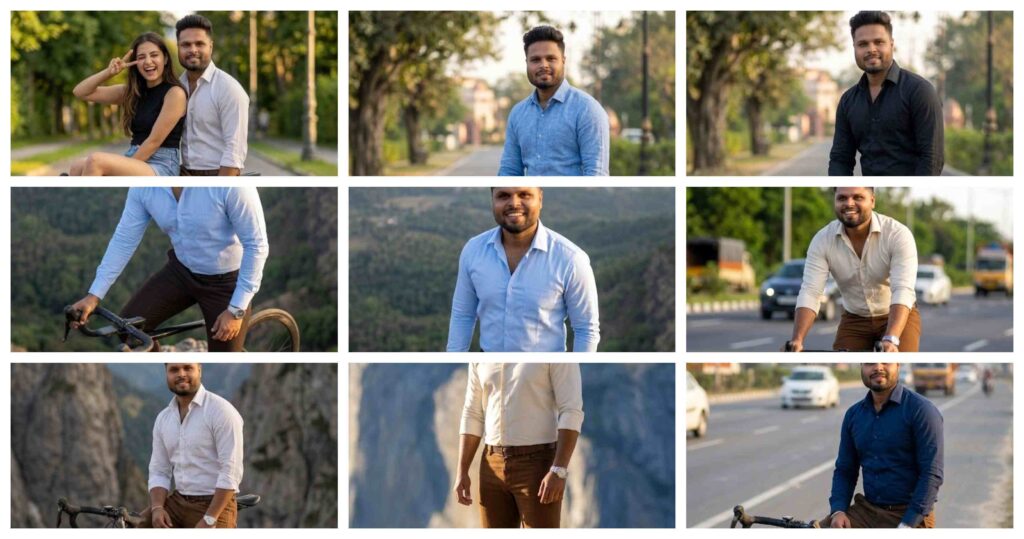
- Google Gemini Cycle AI Photo Editing Prompts 2026 – Cycle Photo Editing Poses
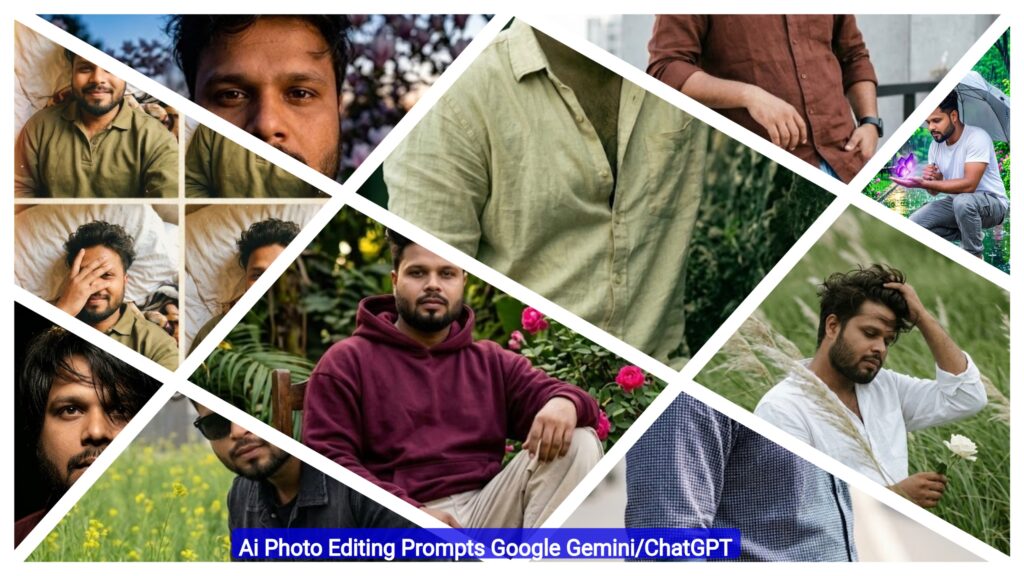
- Top Boys Ai Photo Editing Prompts Google Gemini/ChatGPT 2026
- Free Fire Profile Ai Photo Editing Prompts – Google Gemini Prompts 2026
- Google Gemini Music Lover Ai Photo Editing Prompts | Gemini Prompts 2026
- Ramadan Mubarak AI Photo Editing Prompts for Gemini (2026)

- Google Gemini Happy Holi Girls Ai Photo Editing Prompts 2026
- Happy Holi Couple AI Photo Editing ,Top 10 ChatGPT Ai Prompts
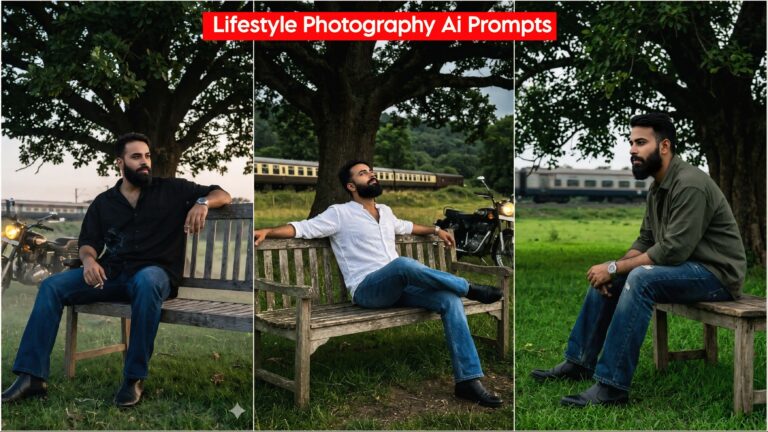
- Lifestyle Photography Ai Photo Editing Prompts 2026 , Google Gemini AI Prompts
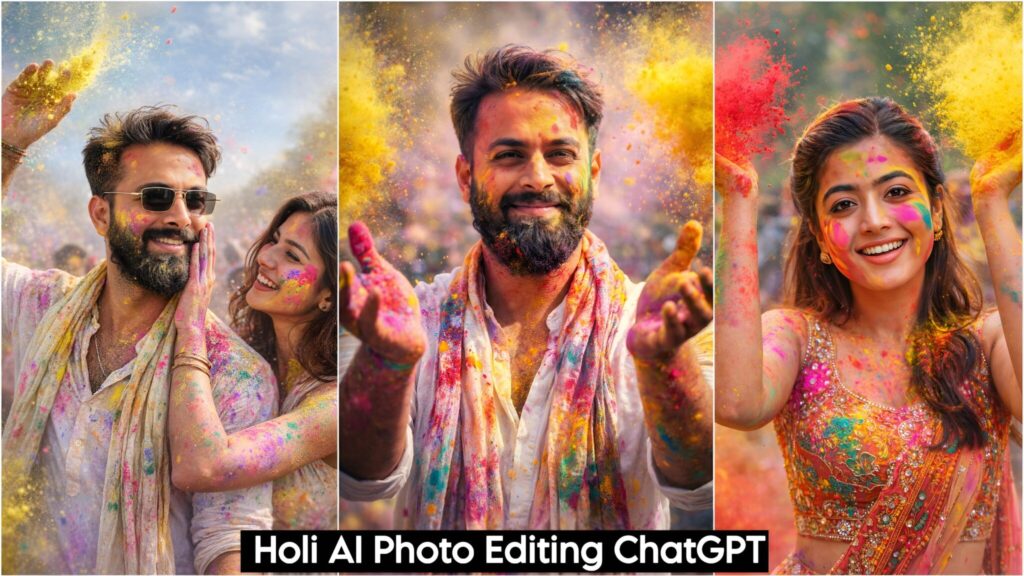
- Holi AI Photo Editing ChatGPT, Top 10 Holi Ai Prompts
- Gemini My Male & Girl Version Ai Photo Prompts 2026
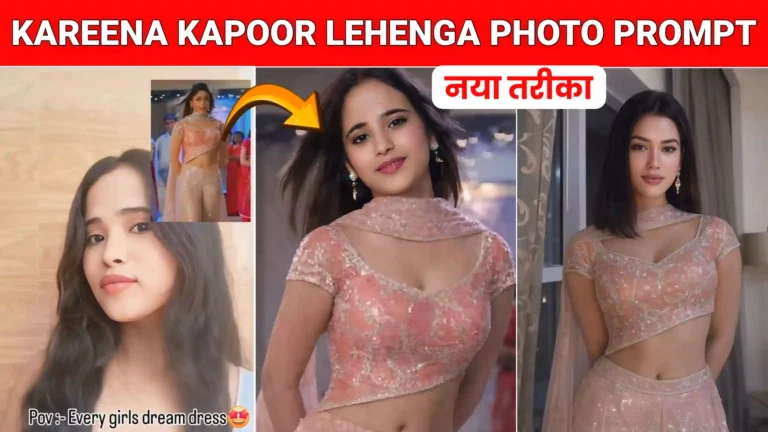
- Kareena Kapoor Lehenga Photo Editing Prompts 2026 | Chatgpt Dream Lehenga Prompts
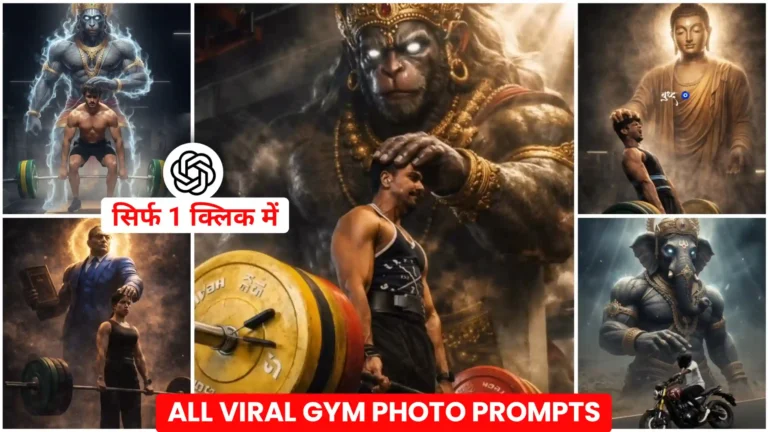
- Trending Hanuman Ji Gym AI Photo Editing Prompts 2026
- Happy Holi Ai Photo Generator – Google Gemini
- Happy Holi Couple Ai Photo Editing Prompts 2026 | Gemini Prompts