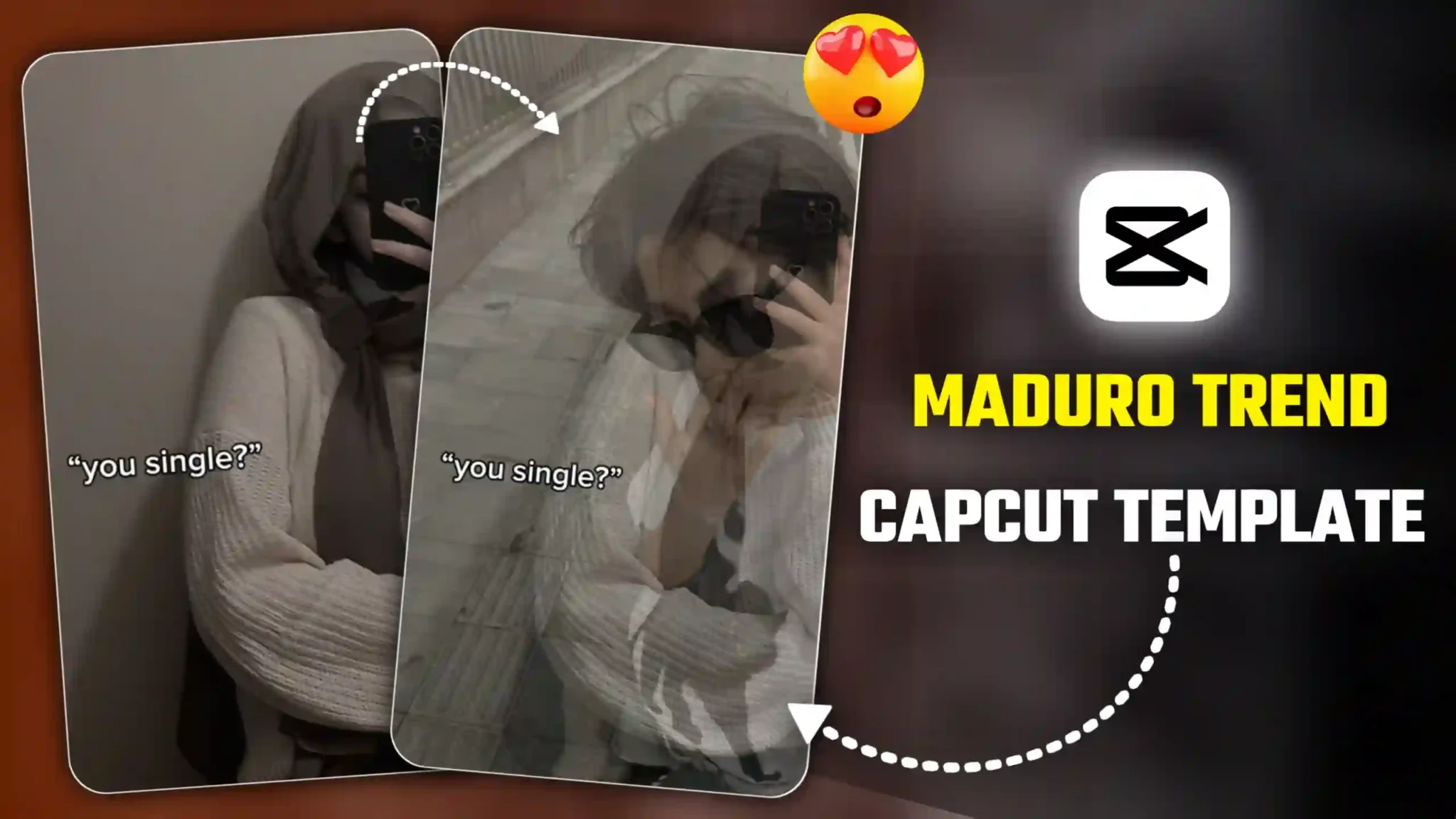
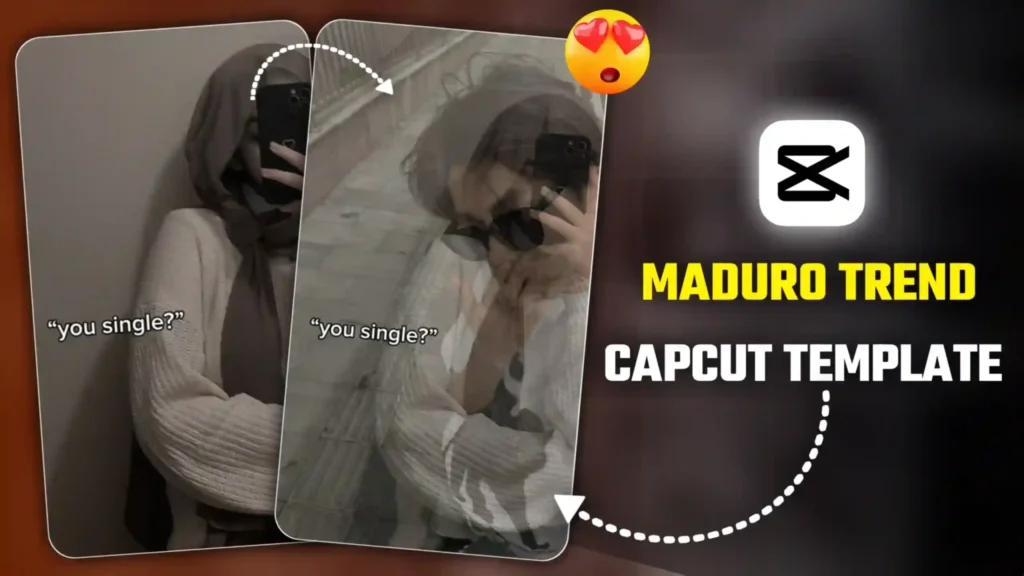
The Maduro Trend CapCut template is currently going viral on Instagram, and many creators are using it to make their own trending videos. In this article, I’ll share the template with you and also guide you step-by-step on how to create a video using it. People are getting creative—some are adding lines like “Who protects you?” while others are writing “Are you single?”—and the smooth fade-in and fade-out effect gives these videos a dramatic, eye-catching look. After a long time, a fresh trend like this is exploding in popularity, which means this is a great opportunity for you to jump in, create your own version, and potentially gain impressive views and engagement.
Maduro Trend Capcut Template
This trend is based on a smooth fade-in and fade-out effect. At the beginning of the video, your own photo appears with text written on it—many people are adding lines like “Are you single?” or “Who protects you?”. After that, your photo slowly fades out, and another image fades in. In most videos, people are using a picture of Lord Mahakal as the second image, while others choose photos of their boyfriend or girlfriend based on their personal preference. This switching effect continues throughout the video—sometimes your original photo is shown, and sometimes the image of God or your partner appears—making the trend look unique and emotionally engaging. That’s why so many people are creating this style of video right now. The good news is, you can easily make it too. I’ll share the best and newest method with you—just make sure to read this article from start to finish. First, we’ll use a CapCut template to create the video quickly and easily.
How To Create Video Using Maduro Template
To use this template, you need to have the CapCut app installed on your phone, because this CapCut template works only with the app. When you use the template, animations and effects are added to your video automatically. You do not need to do anything manually. You just need to select your photos, and your video will be created automatically.
- First, click on the “Use this template” button.
- The template will automatically open in your CapCut app.
- Select your photos and click on the “Next” icon.
- Click on the “Next” option again and wait for the processing to complete.
- After the video is created, click on the “Export” option to save it to your phone’s gallery.
Are You Single Capcut Template
Many people, especially couples, are creating this type of video using photos of their girlfriend or boyfriend. Here’s how it usually works: first, your own picture appears on the screen with the text “Are you single?”. Then, with a smooth effect, a photo of your boyfriend or girlfriend shows up and fades away. After that, your picture appears again, followed by your partner’s picture, which disappears once more. This back-and-forth sequence continues throughout the entire video, creating a romantic and eye-catching vibe. Couples are getting creative by adding different texts and personal touches in their own style, and viewers are really enjoying this trend. This is just one popular way people are making these videos.
Who Protects You Capcut Template
Many people are also creating this trend as a “God video.” They begin by adding their own photo with the text “Who protects you?”, and then a picture of God appears with a smooth effect. In these videos, people are commonly using images of Lord Shiva (Mahakal), Lord Krishna, and other deities based on their faith. If you also believe in a particular God and want to create a similar trending video, you can easily do it using this CapCut template. Most creators are currently using pictures of Lord Shiva, but you can choose any deity you believe in. Once you add your photos, the video is generated automatically, with all animations and effects applied on their own—there’s no need to edit anything manually. Now, let’s move on to how you can use this CapCut template to create your own video.
Conclusion
So friends, this is how you can easily create your own trending videos using the Maduro Trend CapCut Template. We hope you enjoyed today’s article. If you found it helpful, let us know in the comments. And if you have any questions or want a different type of CapCut template, feel free to tell us in the comments as well. We’ll create a new article on your requested template, and you can make your videos using that template just like you did with this one.
- Bairan Capcut Template Link 2026 (100% Working)
- Two Sides Capcut Template Link 2026 (100% Working)
- Halka Halka Capcut Template Link 2026 (100% Working)
- Happy Holi CapCut Template 2026 (100% Working Link)
- First Kiss Song Reels Capcut Template | X Remix Trend Capcut Template
- Kya Baat Hai CapCut Template 2026 | X Remix Trend Template
- Just a Boy God in Car Capcut Template | Bhgwan Ji in Car Template
- Maduro Trend Capcut Template 2026 | Who Protect You Template
- AA 23 Theme CapCut Template 2026 | Character Intro Capcut Template
- Me To My Pasandida Reel Capcut Template | Halka Halka Song Template