Overview
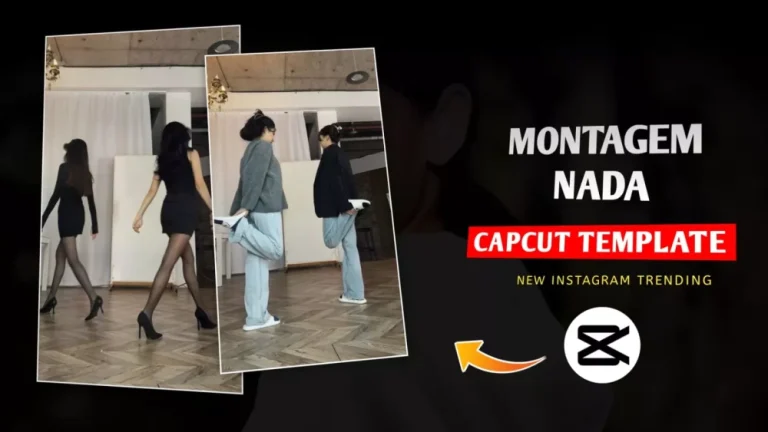
The Montagem Nada template is trending on Instagram for its perfect sync and smooth outfit transitions. People love it because it looks cinematic and effortless. Using this template, you can create reels where clips change seamlessly, making your edits look professional.
Breakdown of the Editing
- Starting Clip – Begin with a normal video clip.
- Smooth Transition – When switching to a new clip or outfit, the transition is so smooth it’s almost invisible.
- Outfit Change Effect – You can change clothes, accessories, or location, and the template automatically syncs everything.
- Perfect Timing – The transitions are synced with the music beats, giving a cinematic feel.
💡 Pro Tip: The magic of this template is in its timing and smoothness—even small mistakes in clip length can break the flow. Make sure your clips are trimmed well before adding them.
How To Use Montagem Nada CapCut Template
- Open CapCut App – Ensure your app is updated to the latest version.
- Search for Template – Go to Templates and search “Montagem Nada” or similar trending reels keywords.
- Add Your Clips – Click the template and upload your videos:
- Keep clips short and well-trimmed.
- Align them with the outfit changes or scene changes you want.
- Preview & Adjust – Check transitions for smoothness.
- Export Video – Once satisfied, click Export to save your viral reel.
Alternative Templates
If you want to try different versions, CapCut has other templates for similar smooth transitions:
- Outfit Change Templates
- Beat Sync Templates
- Cinematic Quick Cut Templates
Using these alternatives, you can make your reel even more unique and trending.
Here’s a clear comparison between the 1st and 2nd templates:
1️⃣ First Template
- Number of Clips: Only 2 clips.
- Transitions: Smooth transitions between clips; seamless but minimal.
- Effect Focus: Primarily on outfit change. The clip change is subtle—you barely notice it except when clothes change.
- Style: Simple, clean, and minimalistic. Perfect for quick edits.
- Usage: Best if you want a subtle, professional look without extra effects.
2️⃣ Second Template
- Number of Clips: Multiple clips, up to 9.
- Transitions: Still smooth, but now synced perfectly with the music beat.
- Additional Effect: Cutout effect added between clips—this adds flair and visual interest.
- Style: Dynamic, eye-catching, and cinematic. More complex than the first template.
- Usage: Best if you want a trendy, viral reel with multiple outfit changes, beat sync, and extra visual effects.
Key Difference
- First Template: Minimal clips, simple transitions, focus on outfit change.
- Second Template: Multiple clips, beat-synced, cutout effects, highly dynamic, ideal for viral content.
💡 Pro Tip: Use the first template if you’re a beginner or want a quick reel. Use the second template if you want a full cinematic effect with viral potential.
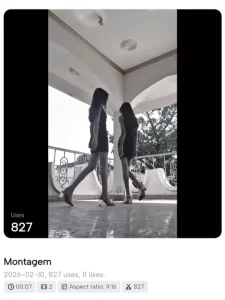
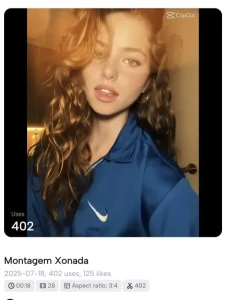
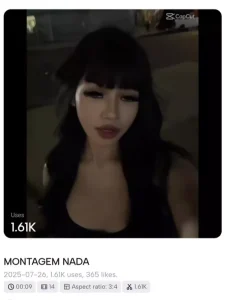
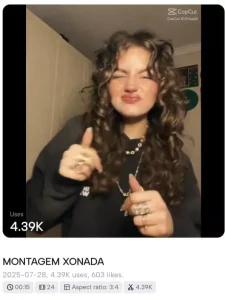
How To Use Montagem Nada CapCut Template
To perform this editing, I’ve provided a template here. You must have the CapCut application installed — only then can you create it in a truly professional manner. Without CapCut, it won’t work for you, and you won’t be able to edit at all.
If you want to use it, simply have CapCut installed. Click the “Check Template” button here. From there, you can preview the template and check all the details. The CapCut app will open, and here you need to select a video.
Choose your best video from your collection — whatever professional video you think fits. Add it to the clips as per the template.
- First clip: requires two additional clips.
- Second clip: add as many clips as needed.
Click “Next” to see the final review of your video. If you are satisfied with the perfect editing, you can export it and upload it on any social media platform.
Conclusion
Here, you’ve been provided with several templates, and alternative options are also available. This means, if you’re using a viral template, you can try other templates as well and upload them with this song.
Unique editing gets more attention — people love originality. Unless a new or different type of editing is available on phones, your video won’t be readily appreciated. You can test this for yourself and see the difference.
- Maduro Trend Capcut Template 2026 | Who Protect You Template
- Just a Boy God in Car Capcut Template | Bhgwan Ji in Car Template
- Kya Baat Hai CapCut Template 2026 | X Remix Trend Template
- First Kiss Song Reels Capcut Template | X Remix Trend Capcut Template
- Happy Holi CapCut Template 2026 (100% Working Link)
- Halka Halka Capcut Template Link 2026 (100% Working)
- Two Sides Capcut Template Link 2026 (100% Working)
- Bairan Capcut Template Link 2026 (100% Working)
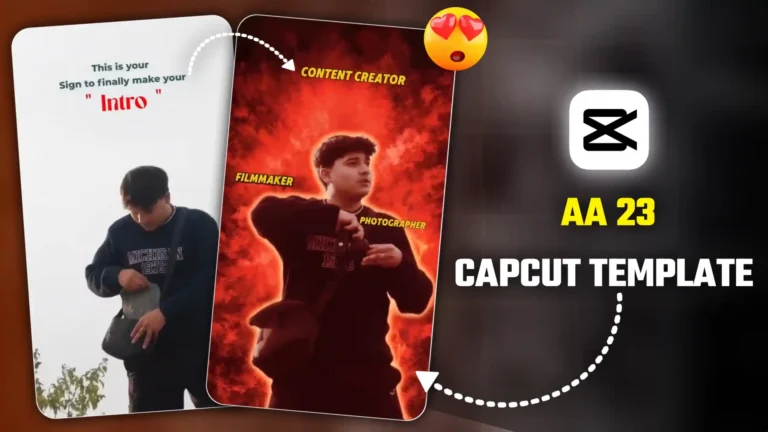
- AA 23 Theme CapCut Template 2026 | Character Intro Capcut Template
- Me To My Pasandida Reel Capcut Template | Halka Halka Song Template